
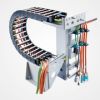





With 3D printers, everything revolves around precision and repeatability. However, one important component is often overlooked: cable management. Poor cable routing can lead to malfunctions, inaccurate prints, or even broken cables. A cable carrier — also known as a drag chain or energy chain — offers the ideal solution. But what should you look for when choosing the right cable carrier your 3D printer?
In this blog, we share 5 practical tips.
🔧 1. Pay attention to the bending radius of your cables
The cables in a 3D printer often make rapid, repetitive movements. If the cable carrier has too small cable carrier bending radius, the cables can wear out prematurely or even break.
Tip:
Check the minimum bending radius of your cables and choose a cable carrier is well above this. Flexible cables often have a bending radius of 6 to 10 times the cable diameter.
📏 2. Determine the correct size
A cable carrier that is too small cable carrier your cables, while one that is too large will add unnecessary space and weight.
Checklist:
- Inner diameter: at least 10% larger than the thickest cable.
- Width: space for all cables + some margin.
- Length: tailored to the full range of motion of the print head.
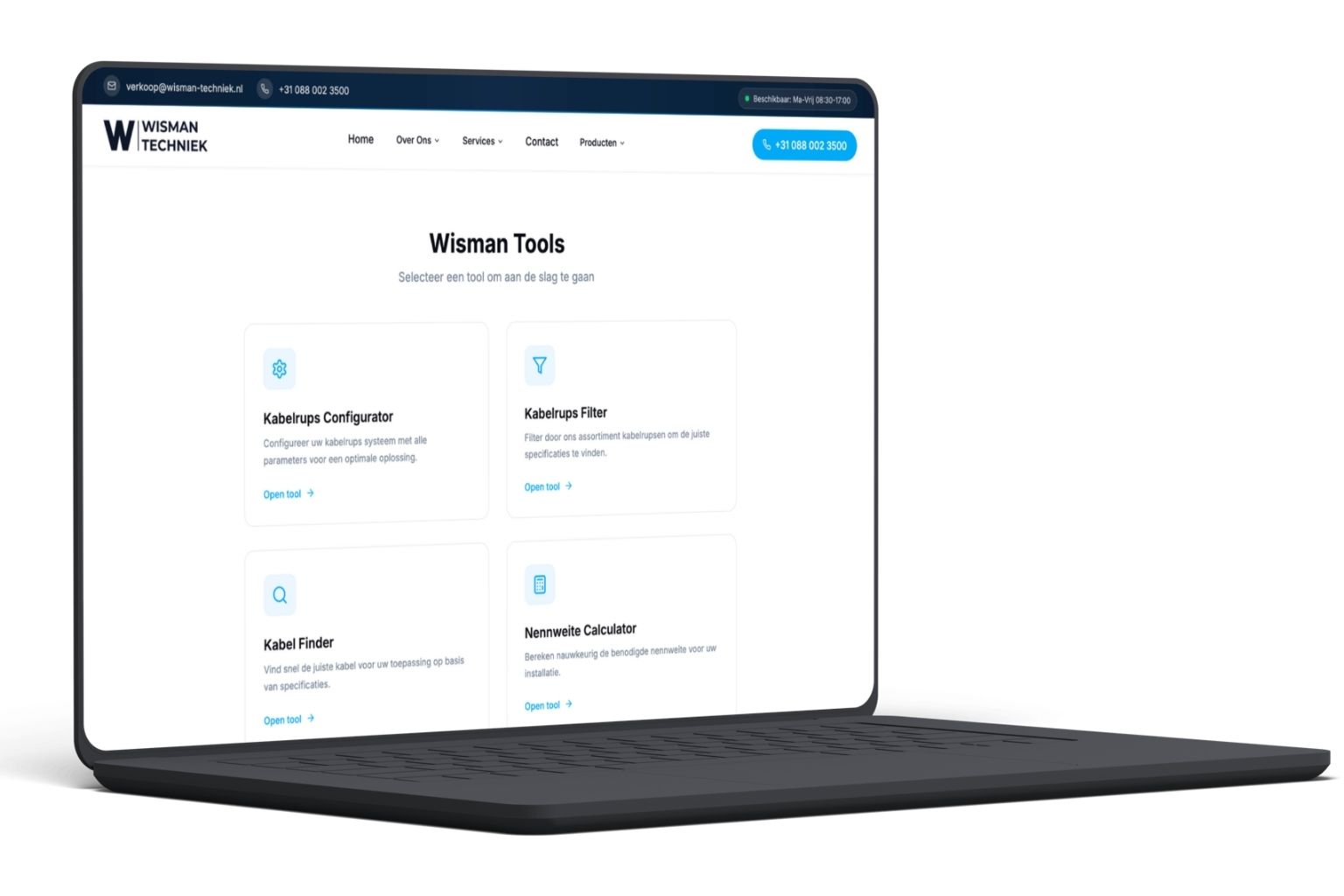
If necessary, use our cable carrier to find the right size immediately.
⚙️ 3. Opt for a quiet and smooth performance
Many 3D printers are located in work environments or even at home. A noisy or jerky cable carrier disruptive in such settings.
Please note:
- Sound-absorbing designs (rubber inserts or silent links)
- Low friction coefficient
- Smooth movement mechanism without jolts
Check out our range of plastic Cable carriers for lightweight, quiet solutions.
🧰 4. Easy installation and maintenance
In hobby or prototype construction, every minute counts. A cable carrier is difficult to open or replace costs time and causes frustration.
Choose:
- Clickable openings or hinges
- Easy attachment with screws or clamps
- Lightweight plastic for easy handling
Our modular cable carrier models are easy to assemble and expand.
🧪 5. Pay attention to the material
For standard desktop 3D printers, a lightweight plastic cable carrier is cable carrier perfect. But in industrial applications—for example, with higher temperatures or dust—a more robust design may be necessary.
Considerations:
- ABS/PA plastic: lightweight, inexpensive, suitable for indoor use
- Wear-resistant materials: if the caterpillar is often in motion
- Flame-retardant or heat-resistant types: for heated rooms or high ambient temperatures
✅ Conclusion: A small choice with a big impact
A well-chosen cable carrier a longer service life for your cables, fewer malfunctions, and more professional operation of your 3D printer. Whether you are a hobbyist or work with industrial printers, these five points will help you make the right choice.
💬 Need help choosing a cable carrier your 3D printer?
Our specialists are happy to assist you.
👉 Start the cable carrier or contact us.