Short answer
Noise mainly occurs when links drop down in the bend (the polygon effect), when the carrier rattles on itself and when cables lie loose in the carrier. A quiet series with a small pitch or damped stops, a generous radius and a carrier that runs within its limits make the biggest difference.
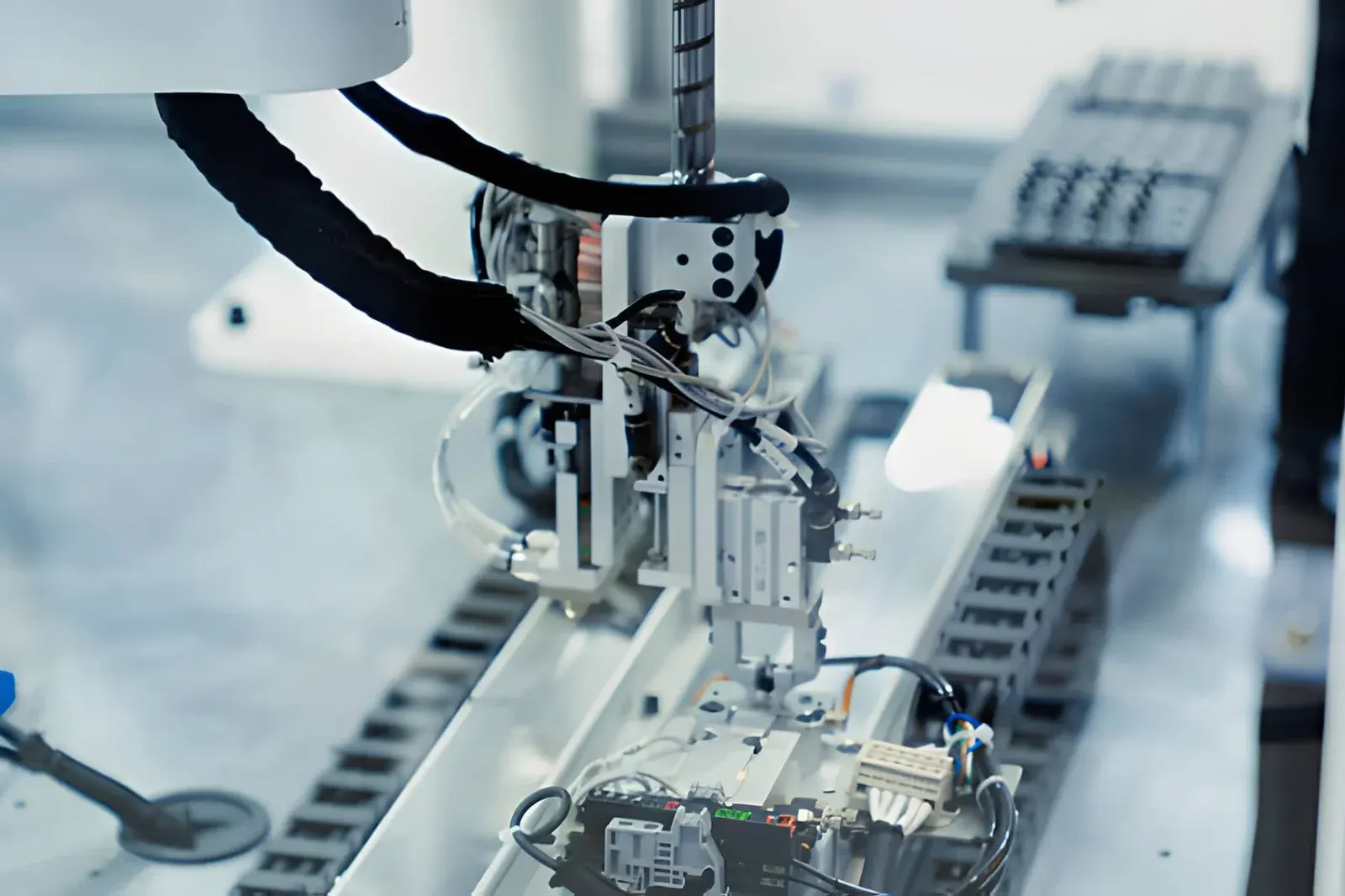
You get a quiet cable carrier by combining three things: a series built for low noise levels, a generous radius and a carrier that runs within its limits with properly secured cables. In a production hall the noise of a carrier often goes unnoticed. But in a laboratory, next to medical equipment or next to a workstation where people stand all day, it can be a real problem.
Where does the noise of a cable carrier come from?
A cable carrier should run smoothly. Rattling, clicking or squeaking means something is striking, rubbing or wearing. The sources we come across most often:
- Polygon effect: the carrier does not run round through the bend but in small angles, link by link. Each link drops briefly as it rolls off, and at high speeds and with a large pitch this becomes audible.
- Stops in the bend: with every link entering or leaving the bend, the stops strike against each other.
- Rattling: a self-supporting carrier that sags too far or is too long drops onto itself.
- Cables in the carrier: loose cables tapping against the links or against each other.
- Contact: the carrier touches the machine, the channel or a cable tray and taps with every stroke.
- Wear: play in the hinge points causes rattling and is a sign that the carrier needs replacing.
You choose the first three in the design. The last three are usually a matter of installation, layout or maintenance.
Which cable carrier is the quietest?
A number of series are specially made to run quietly. This is what our data says about them:
| Series | Feature | Pitch | Travel length |
|---|---|---|---|
| QUANTUM | Extremely quiet, low vibration, suitable for high speeds | 15–30 mm | up to 95 m |
| TKR | Very quiet and low-vibration, for precision applications | 15–37 mm | up to 4.9 m |
| QuickTrax | Very quiet thanks to integrated noise damping | 25–32 mm | up to 80 m |
| UNIFLEX Advanced | Light, quiet all-rounder | 25–99,5 mm | up to 200 m |
| TKP35 | Robust and quiet | 35 mm | up to 2.3 m |
| PROTUM | Quiet and smooth, for offices and adjustable desks | 24–40 mm | – |
The QUANTUM is the first choice at high speeds where noise matters. The TKR is made for precision engineering, pick-and-place and electronics production, with short travel lengths. The QuickTrax is a compact quiet carrier for light applications, including medical and laboratory equipment. The UNIFLEX Advanced is the all-rounder if you need a wide range of sizes.
Noise values in decibels are not in our data. If you have a strict requirement, let us know in advance and we will choose the series accordingly.
Why does a small pitch make the cable carrier quieter?
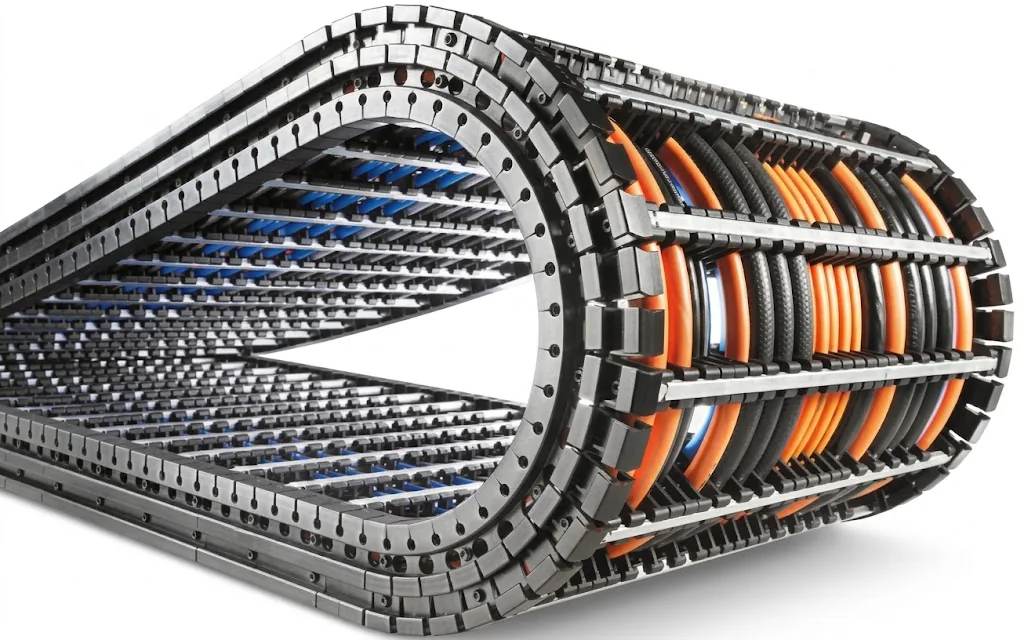
The pitch is the length of one link. The smaller the pitch, the more links fit in the bend and the smaller the angles in which the carrier rolls off. As a result each link drops less hard and the polygon effect becomes smaller.
A comparison at the same inner height of 38 mm: a QUANTUM Q060 has a pitch of 20 mm, a UNIFLEX Advanced UA1555 a pitch of 55.5 mm. Over the same bend the Q060 therefore has almost three times as many links. That is why quiet series with a small pitch are at the top of the table.
Do keep the environment in mind. In our data the QUANTUM is listed only for clean indoor environments. If swarf or dirt can reach the carrier, protection comes first, see choosing open or closed.
How do you reduce the noise of a cable carrier?
- (01)Choose a quiet series. Series with damped stops and a small pitch are made for low noise levels.
- (02)Use a more generous radius. With a larger radius the links enter the bend less abruptly. The minimum radius is the thickest cable × 7.5; generous is × 10.
- (03)Stay within the self-supporting limit. A carrier that is self-supporting within its limits does not rattle.
- (04)Secure the cables properly. Strain relief at both ends and a good internal layout prevent tapping from the inside.
- (05)Consider gliding. On long travel lengths a gliding arrangement in a channel runs more quietly than a carrier that is just too long to support itself.
An example for step 2. Your thickest cable is 12 mm. The minimum radius is 12 × 7.5 = 90 mm, generous is 12 × 10 = 120 mm. With a QUANTUM Q040, 150 mm is then the first available radius above those 120 mm. With calculate your minimum bending radius you have this in a few seconds.
For steps 3 and 4: the Q040 is self-supporting up to 3.2 m travel and gliding up to 30 m. If your travel lies in between, first read self-supporting or gliding. You plan the layout with separators and shelves in ChainLogic. Keep the fill level below 85%.
The Cable carrier configurator checks radius, travel length, speed and acceleration per type and shows which types fit. Wisman checks your calculation free of charge.
Calculate it yourselfCable carrier configuratorCalculate, select and assemble a cable carrierOpen the cable carrier configuratorHow do you prevent vibration from the cable carrier?
What applies to noise also applies to vibration. In precision machines, such as in the semiconductor and electronics industry or in measuring setups, vibration from the carrier can affect the process.
Here too, a quiet series, a small pitch and a well-supported carrier help. In our data the TKR is described as a carrier with minimal vibration and high dynamic stability, the QUANTUM with low vibration at high speeds. Mount the carrier firmly at the fixed point and the driver so there is no play in the fastening.
Your cable carrier is already making noise: what now?
Start by finding where the noise comes from. Does it come from the bend or from the straight section? Does the carrier touch the machine or the channel anywhere? Can you feel play in the links? And has the machine speed been increased recently?
Noise from the bend often points to the polygon effect or a radius that is too small. Noise from the straight section points to rattling, contact or a channel that is not positioned properly. Play in the links means wear. With the Carrier check you go through the points one by one and see whether your carrier is fine or needs action.
Troubleshooting guideCable carrier makes noiseRattling, clacking or squeaking with every movement.Go to the solutionIf the carrier is worn or does not suit the speed, the Replacement guide finds a replacement. Would you rather have a quiet series for your new machine straight away? Then request a quotation for a quiet cable carrier.
Frequently asked questions
Which cable carrier is the quietest?
In our range QUANTUM and TKR are described as the quietest: QUANTUM as extremely quiet with low vibration, also at high speeds, TKR as very quiet and low-vibration for precision applications. QuickTrax and UNIFLEX Advanced are quiet options for lighter and general applications.
Why is my cable carrier making noise?
Usually because of the polygon effect at high speed, a carrier rattling on itself, loose cables or the carrier touching something. Play in the hinges points to wear. The troubleshooting guide helps you find the cause.
Does a cable carrier get quieter with a larger radius?
Yes, with a larger radius the links enter the bend less abruptly. Use the thickest cable × 7.5 as the minimum and choose × 10 when in doubt, provided there is enough installation height.
Can a cable carrier cause vibration in the machine?
Yes. Especially at high speeds and with a large pitch, rolling off causes vibration that moves along with the carrier. For precision machines you therefore choose a series with low vibration and a small pitch.
How do I specify a noise level requirement?
Include the requirement in your quotation request. We will then choose series, pitch and radius accordingly and check the calculation.
Next step
Calculate it yourself or browse the range. We check your result free of charge.
Series on this topic
Question about this topic?
Ask Joep directly
RMO Specialist at Wisman Techniek