Short answer
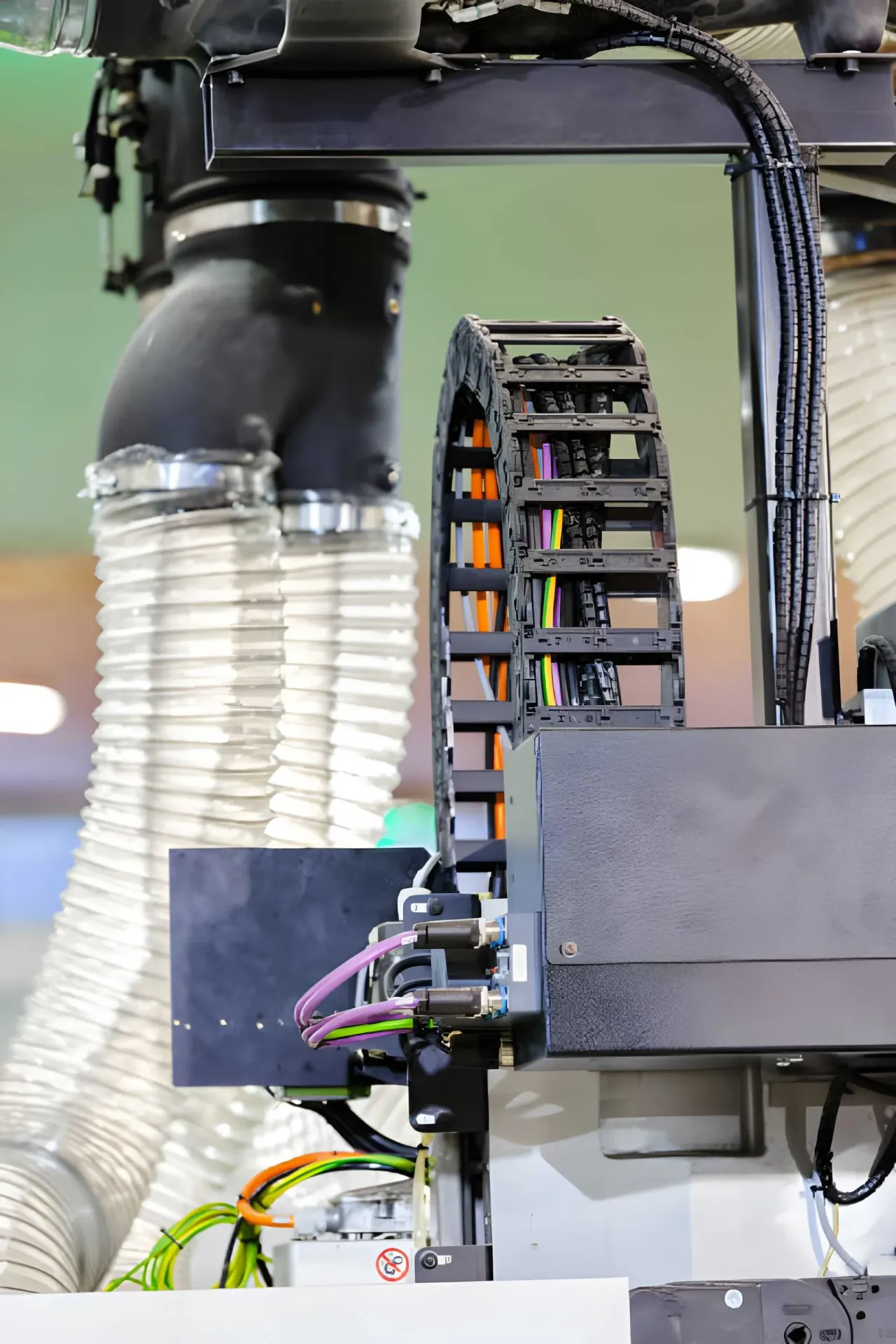
You create a dimensional drawing of your cable carrier in the Cable carrier CAD of Wisman Techniek. You choose the carrier, the travel length and the layout, and download a PDF with the dimensions, the cross-section and the parts list. The key dimensions are the length of the carrier, the installation height and the overhang of the bend. You can also calculate these yourself.

Anyone designing a machine wants the cable carrier right in the model from the start. How much space does the bend take? How high will the carrier be? Where does the fixed point go? With a dimensional drawing based on your own travel length and cables, you know for certain before you order.
How do I get a dimensional drawing of my cable carrier?
In the Cable carrier CAD you put together your cable carrier and download a drawing as a PDF. You can start in three ways:
- (01)From your cables. You enter the cables and hoses, and the CAD finds the carriers that fit.
- (02)With a type you already know. You choose the series and the type and enter the dimensions.
- (03)Replacing an existing carrier. You enter the type or the dimensions of your current carrier and receive suitable replacements.
The drawing contains the side view with the dimensions, the cross-section with the layout of the cables and a parts list with the end connectors and the strain relief.
Which dimensions are on the drawing?
| Size | Meaning |
|---|---|
| LS | Stroke length, the distance the driver travels |
| KR | Bending radius of the carrier |
| LK | Length of the carrier |
| H | Installation height, the total height of the upper and lower runs together |
| UB | Overhang of the bend, how far the bend extends beyond the driver |
| Bi / Hi | Inner width and inner height, the space for the cables |
Calculating the key dimensions yourself
If the fixed point is in the middle of the stroke, you calculate with:
- Length of the carrier: LK = LS / 2 + π × KR + a small allowance at both ends for the end connectors
- Installation height: H = 2 × KR + the outer height of the link
- Overhang of the bend: UB = KR + half the outer height of the link
An example: a stroke of 2000 mm with a bending radius of 100 mm gives a carrier length of approximately 1000 + 314 = 1314 mm, plus the allowance for the end connectors. The carrier consists of whole links, so the length is rounded up to the pitch. With the calculator calculate cable carrier length you can check this quickly.
Dividing the cross-section
A good layout of the cables in the carrier also belongs with the drawing. Heavy cables on the outside, light ones in the middle, and enough clearance. In the CAD you divide the cross-section with ChainLogic, which also shows the fill level and the check. More about this in additional load and dividers.
Frequently asked questions
Can I get a 3D model of a cable carrier?
The Cable carrier CAD provides a 2D dimensional drawing as a PDF. If you need a 3D model, request it from us, stating the type and the length.
What is the difference between the stroke length and the length of the carrier?
The stroke length (LS) is the distance the machine moves. The carrier itself is shorter: with a fixed point in the middle, approximately half the stroke plus the bend.
Can I share the drawing with a colleague?
Yes. In the Cable carrier CAD you create a share link of your configuration. Your colleague then opens the same choices and cables.
Next step
Calculate it yourself or browse the range. We check your result free of charge.

Series on this topic
Question about this topic?
Ask Bas directly
Cable Carriers Specialist at Wisman Techniek