Short answer
Cables without a connector go through a membrane entry plate fastest. Cables with a connector go through a split frame, a split cable gland or an entry grommet, so you do not have to cut anything. Where only dust has to be kept out, a brush entry is enough.
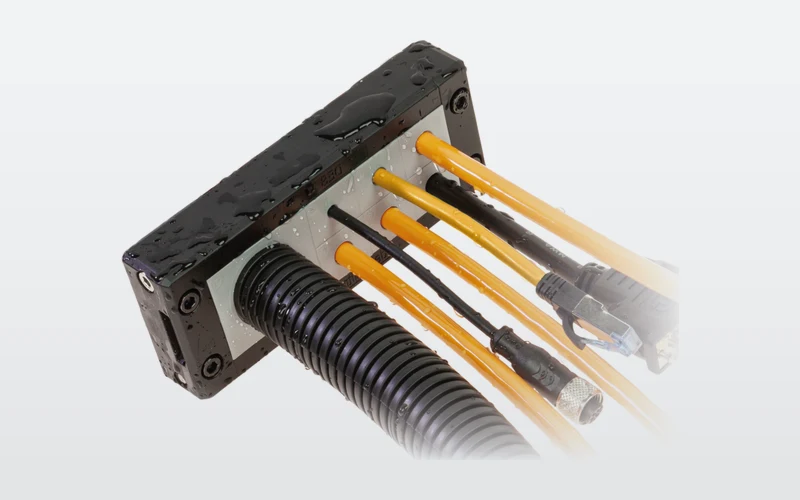
You choose the right cable entry with three questions: is there a connector on the cable, how many cables go through one opening, and must the entry keep out dust and water or only finish the opening neatly. With those answers only one or two solutions remain. Where a cable enters the control cabinet a weak spot is created, and an entry that does not fit costs time later with every cable that is added.
What types of cable entries are there?
The cable entries page shows six groups. Four of them sit in the cabinet wall, and the DES PDP entry grommets belong to the entry plates:
| Solution | Cables with connector | Opening | Sealing |
|---|---|---|---|
| Split cable gland | Ja | Metric hole, M20 to M63 | Entry grommets close around the cable |
| Cable entry frame | Ja | Rectangular cut-out | IP66 and NEMA 4X |
| Membrane entry plate | No | Cut-out or metric hole | High IP rating, per model in the datasheet |
| DES PDP entry grommet | Yes, one cable per hole | Metric hole, M25 to M75 | Grommet closes around the cable |
| Brush seal | Ja | Cut-out or metric hole | Dust-proof, not waterproof |
In addition there are strain relief and EMC clamps. These do not sit in the cabinet wall, but inside the cabinet they keep cables fixed and make sure the shield is properly earthed.
Cables without a connector: entry plate or cable gland?
A classic gland per cable works, but with ten or twenty cables it takes a lot of space and assembly time. A cable entry plate replaces that row of glands with one plate. Each opening has two membranes: you pierce the front membrane and push the cable through, the second membrane clamps the cable. That gives sealing and strain relief without nuts or tools per cable.
Plates come rectangular for a standard cut-out, square, compact and round for metric holes from M20 to M63. For food and pharma there are Clean versions in FDA-approved material, with rounded shapes without dirt edges.
Each plate has a fixed layout of openings per diameter range. A worked example: the DES PM 24/18G for a 112 × 36 mm cut-out has 4 openings up to Ø 6.5 mm, 5 up to 10.5 mm, 5 up to 12.6 mm and 4 up to 16.1 mm. If you have 4 sensor cables of 5 mm, 5 cables of 9 mm, 4 of 12 mm and 3 of 15 mm, all 16 cables fit and you keep 2 openings free for later.
Cables with a connector: split frame, gland or entry grommet?
You do not want to cut and reconnect pre-assembled sensor, bus and servo cables. There are three split solutions for that.
A cable entry frame bundles many cables in one rectangular cut-out. You lay the cables with entry grommets in the open frame and close it. The frame clamps the grommets and gives sealing and strain relief on every cable, for cables from Ø 2 to 35 mm. Every combination of grommets achieves IP66 / NEMA 4X, and the system is self-extinguishing to V0.
A split cable gland has the shape of an ordinary gland, but the housing consists of two halves. You lay the cable with its connector in it and screw the gland into a standard metric hole. Useful when retrofitting cabinets that already have round bores, and there are 90° versions for right-angled entry.
A DES PDP entry grommet takes one cable with a plug through one metric hole. The cable range increases per size: M25 for cables from 2.5 to 17 mm, M32 from 5 to 23 mm, M40 from 8 to 29 mm, M50 from 17 to 42 mm, M63 from 23 to 55 mm and M75 from 38 to 64 mm. So a 12 mm servo cable with a plug goes through an M25 grommet.
How do you choose the right cable entry in five steps?
- (01)Make a cable list. Per cable the quantity, the outer diameter, whether it has a plug and whether it is shielded.
- (02)Choose the mounting type. A rectangular cut-out, or metric holes that are already there or that you drill yourself.
- (03)Separate cables with and without a connector. Without a connector to a membrane plate, with a connector to frame, gland or entry grommet.
- (04)Determine the sealing. Does the cabinet have to be dust- and watertight, or is a neat, dust-resistant opening enough?
- (05)Keep room free. Plan one or two free openings or blind grommets for cables added later. That avoids a second cut-out.
The cable entry planner works through that cable list for you. You choose the mounting type and enter the cables; the planner looks for a solution in which as many cables as possible get a place, with as few plates or holes as possible and the tightest fit. You get entry plates, entry grommets and EMC clamps with article numbers. We put together frames and split glands on request.
Calculate it yourselfCable entry plannerFrom cable list to cable entry with article numbersOpen the plannerWhen is a brush entry enough?
Not every entry has to be watertight. In indoor cabinets, server cabinets and cable trays a brush seal is often the fastest choice. Cables pass between the brushes with or without a connector, and you add cables later without dismantling anything.
A double brush (ZZ) keeps out more dust and closes more firmly than one row of brushes (Z). The maximum opening ranges per model from 40 × 18 to 112 × 39 mm. A brush gives no watertight seal and no strain relief; if you need those, choose a frame, gland or entry plate.
Strain relief and EMC: what happens inside the cabinet?
A cable hanging from its terminal will come loose sooner or later. Strain relief modules and cable combs fix cables before they reach the connection. That way they absorb pull and vibration and help to comply with EN 62444.
Shielded motor, encoder and bus cables also need good shield earthing. An EMC clamp presses the cable braid over its full circumference against a conductive surface. Choose the clamping range by the diameter of the exposed shield, not the outer jacket. There are clamps for 10 × 3 mm earth bars, TS35 DIN rails, C-rails and directly on Siemens ET200S and ET200SP modules, and for vibrating machines spring clamps with constant contact pressure.
Cables from the cable carrier into the cabinet
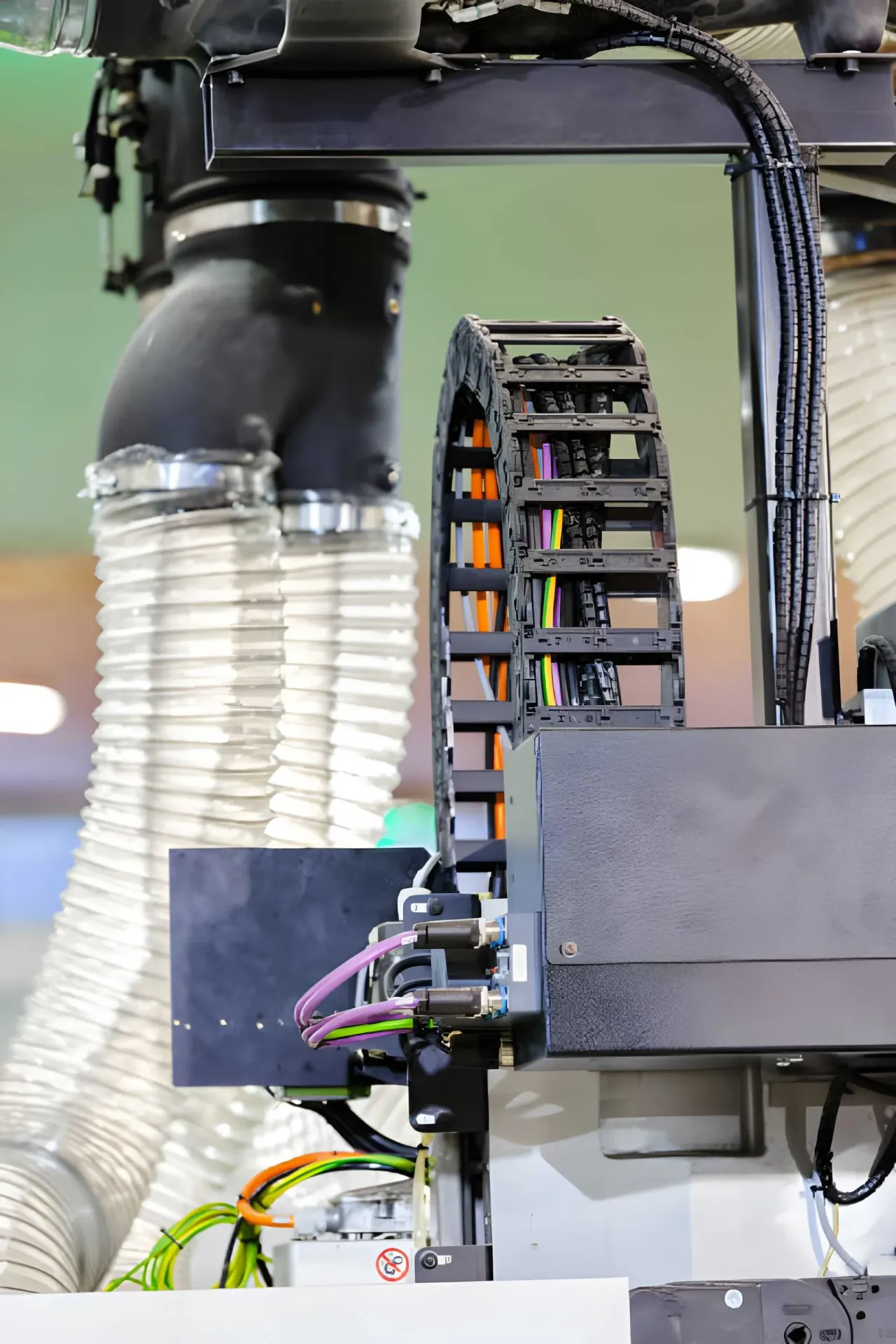
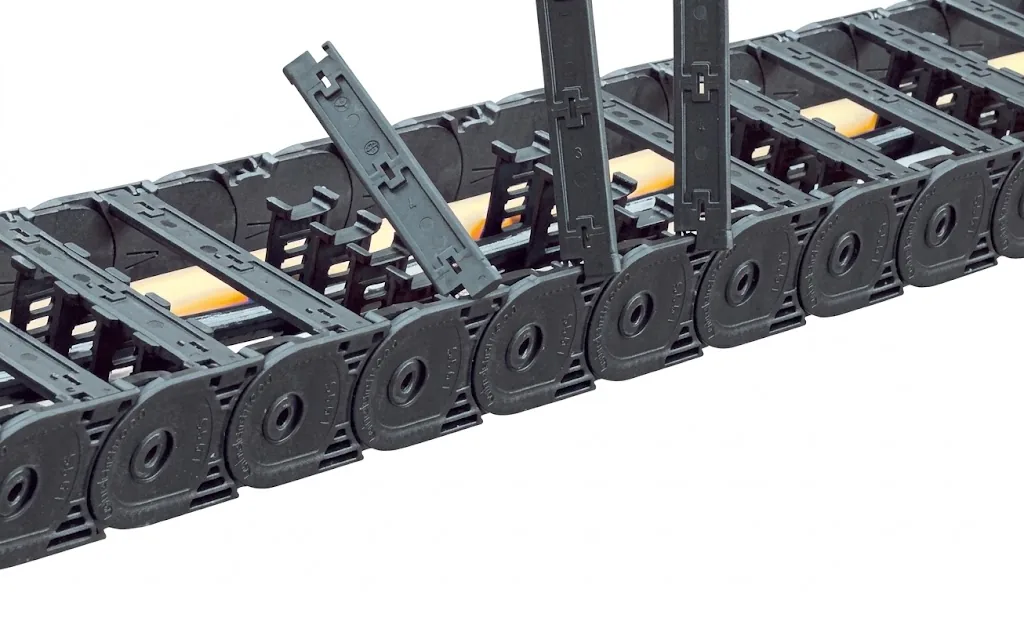
If the cables come from a cable carrier, you have two transitions. At the carrier itself you fix the cables at both ends with strain relief, as described in mounting a cable carrier correctly. At the cabinet you choose the entry by the cables: pre-assembled servo cables with plugs go through a split frame or entry grommet, shielded cables get an EMC clamp inside the cabinet.
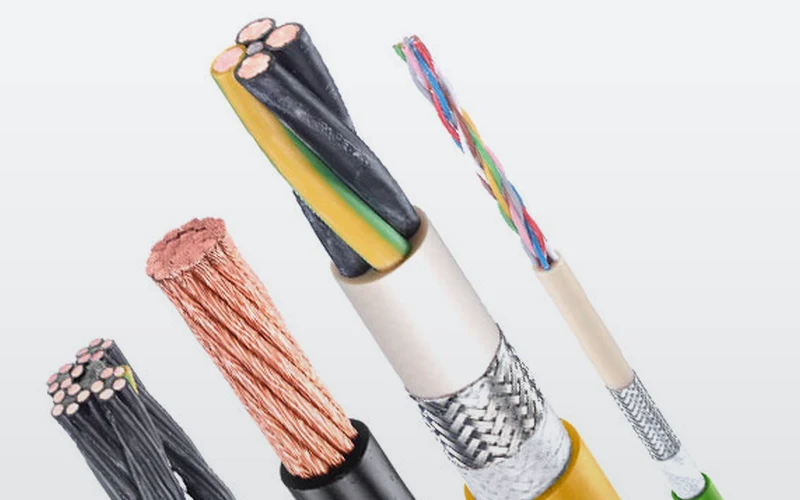
Cables that move continuously must be suited to it. In the range of flexible cables for the cable carrier you will find control, power and data cables, with and without shielding.

The entries come from the Detas Ultra range. If you would rather have us put the combination together, request a quote for cable entries and include your cable list.
Frequently asked questions
What is the difference between a cable gland and a cable entry frame?
A gland takes one or a few cables through a round metric hole. A cable entry frame bundles many cables in one rectangular cut-out and is split, so cables with connectors fit too. With many cables in one place a frame is quicker to mount than a row of glands.
How do I route a cable with a plug through a cabinet wall?
With a split solution: a cable entry frame, a split cable gland or a DES PDP entry grommet. The cable is laid in rather than pushed through, so the connector does not have to come off.
Is a cable entry plate as tight as a cable gland?
The double-membrane plates were developed as a replacement for industrial cable glands and offer a high IP rating plus strain relief. The exact value is given per model in the datasheet.
Is a brush entry watertight?
No. A brush entry is dust-resistant and keeps the opening neat, but does not seal against water and gives no strain relief. For that you choose a frame, gland or entry plate.
Which clamping range do I choose for an EMC clamp?
The range that matches the diameter of the exposed shield, not the outer jacket of the cable. The variant table lists the clamping range in mm for each model.
Next step
Calculate it yourself or browse the range. We check your result free of charge.
Series on this topic
Question about this topic?
Ask Olaf directly
Inside Sales at Wisman Techniek