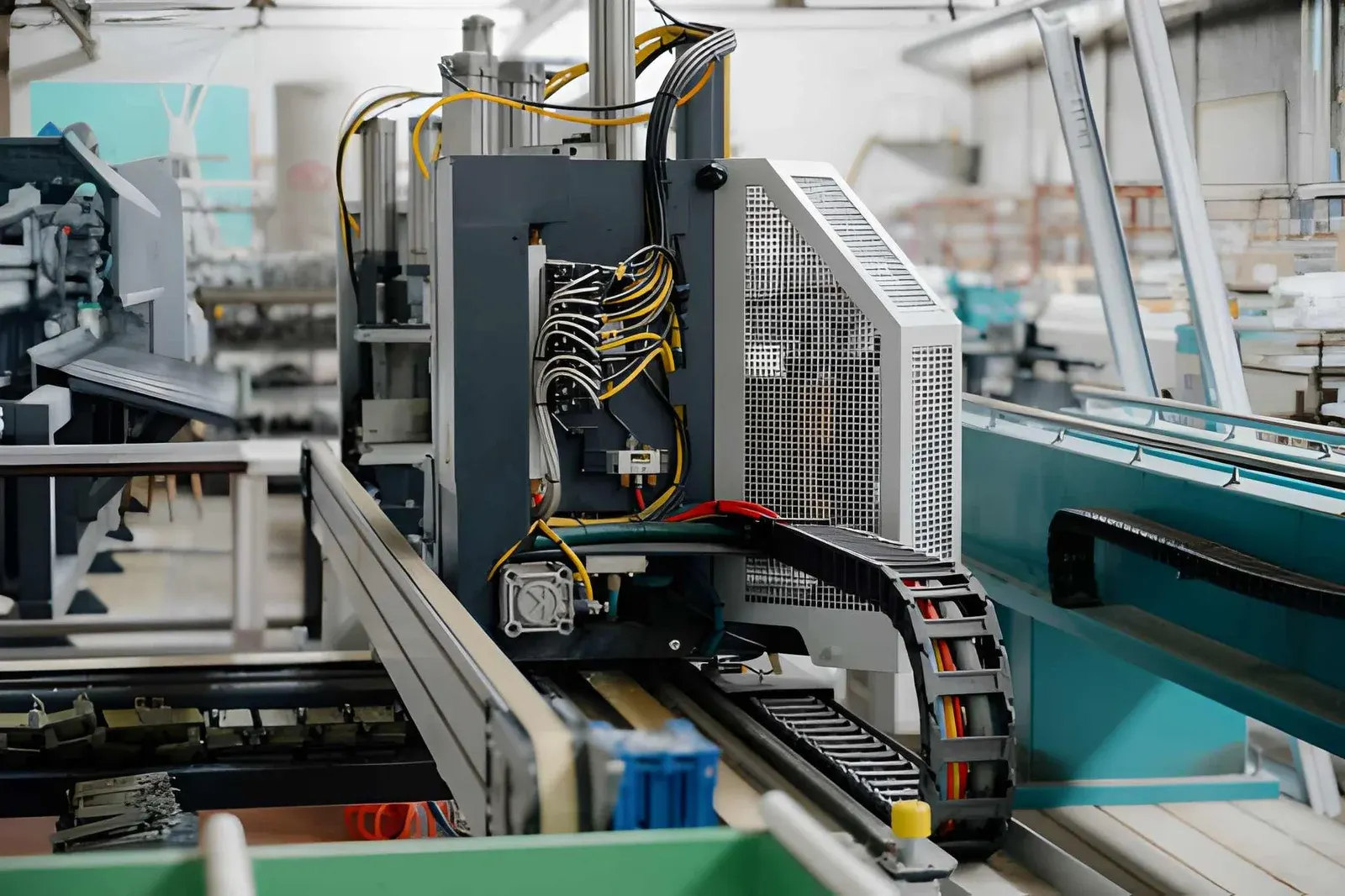
Short answer
There is no fixed number of years. The service life of a cable carrier depends on how far it stays within its limits (radius, travel length, speed, acceleration and additional load), on the cables inside it, on the installation and on the environment. A carrier that is generously specified, well laid out and mounted straight lasts much longer than a carrier running at its limit.

The service life of a cable carrier is not a fixed figure. How long a cable carrier lasts depends mainly on how it is chosen, laid out and installed, and on the environment it works in. Two identical carriers can therefore have very different service lives: one runs for years without complaints, the other wears out within a short time. The good news is that you control most of the factors yourself, right from the design stage.
How long does a cable carrier last?
There is no honest answer in years. A carrier that makes a short stroke a few times a day is loaded very differently from a carrier that travels back and forth day and night at high speed. That is why manufacturers and fitters count not in years but in movements and in how heavy each movement is.
What is certain: a cable carrier usually announces its end well in advance. Play in the links, worn side plates, more noise, or an upper run that sags further than you are used to. Anyone who spots these signs in time can plan a replacement instead of being surprised by a machine at a standstill. In recognising wear on a cable carrier you can read what each sign means.
Which factors determine the service life of a cable carrier?
The most important factors are:
- Radius: the smaller the radius, the harder the cables and links are loaded in the bend.
- Travel length and arrangement: a carrier that is just too long to be self-supporting flaps and wears faster.
- Speed and acceleration: every type has limits. Running close to them costs service life.
- Additional load and layout: an overfilled or heavy carrier loads the links and makes cables chafe.
- Cables: cables not made for continuous movement often break before the carrier wears out.
- Installation: a driver that does not run directly above the fixed point pulls the carrier out of line.
- Environment: swarf, abrasive dust, heat, UV and chemicals attack the material.
You choose the first five at the design stage. The last two are a matter of installation and of the right version for the location.
Why does a more generous radius extend the service life?
In the bend, the cables flex and the links hinge. With a small radius this happens more abruptly and the cables flex more sharply. That is where cable breakage most often begins.
As a rule of thumb, we use the thickest cable × 7.5 for the minimum radius. Generous is the thickest cable × 10. An example: if your thickest cable is 14 mm, the minimum radius is 14 × 7.5 = 105 mm and generous is 14 × 10 = 140 mm. Then choose the first available radius of the type above 140 mm, if you have the installation height for it. With calculating your bending radius you have this in a few seconds.
Also look at the data sheet of your cables. If the cable manufacturer specifies a larger bending radius, that takes precedence.
Calculate it yourselfCalculate the bending radiusMinimum bending radius from your thickest cableCalculate itHow do travel length, speed and acceleration affect the service life?
Every type of cable carrier has a maximum travel length, speed and acceleration, separately for self-supporting and gliding. As long as you stay well within them, the carrier runs smoothly. If you are at the limit, the load on the links and the impacts increase quickly.
The transition between self-supporting and gliding in particular is a well-known pitfall. A carrier that is just too long to be self-supporting starts to sag and flap against itself. For long travel lengths, a gliding arrangement in a channel is then the better choice. Read more in self-supporting or gliding.
The Cable carrier configurator checks travel length, speed and acceleration per type and shows which types stay well within their limits. Wisman checks your calculation free of charge.
Calculate it yourselfCable carrier configuratorCalculate, select and assemble a cable carrierOpen the cable carrier configuratorWhy do the cables often fail before the cable carrier?
In practice it is often not the carrier but the cable that is the first component to give up. An ordinary installation cable is not made to flex millions of times. The cores then break in the bend, often invisibly beneath a sheath that still looks intact.
Cables for the cable carrier are built for exactly this. With our flexible cables you can see that from the class in the name: from 200 for short strokes and simple applications to 1000 for the highest number of cycles and the longest travel lengths. In our cable data, the stated number of movement cycles rises from a maximum of 2 million for class 200 to a maximum of 10 million for class 1000. Choose the class based on the number of movements and the travel length of your machine. The Cable finder puts the lightest class that will do at the top.
The layout matters too. Cables that lie loose or chafe against each other wear at the sheath and start to twist. Dividers, a fill level below 85% and strain relief at both ends prevent that. For how to choose the right cables, see which cables go in a cable carrier.
What role do installation and environment play?
A well-chosen carrier can still wear quickly because of the installation. The most common mistakes:
- (01)Driver not in line: the carrier runs crooked and chafes along the side.
- (02)Carrier catches: it touches the machine, a cable tray or the edge of the channel.
- (03)Channel not properly aligned: with gliding arrangements, the carrier wears at the joints.
- (04)No strain relief: the cables pull at the connections and work their way out.
After installation, watch a few full strokes. If you hear knocking or see the carrier touching anywhere, fix it straight away. The steps are set out in assembling a cable carrier.
Then the environment. Swarf, abrasive dust and coolant accelerate the wear of open plastic carriers. Outdoors, UV and temperature changes play a part, and with heat it is a matter of radiant heat and hot particles. In such cases, an enclosed version or a steel carrier extends the service life more than any other measure. Regular cleaning also helps, see cleaning a cable carrier.
How do you extend the service life of an existing cable carrier?
If you already have the carrier, there is still plenty you can do:
- Find the cause of wear. Where is it: underside, side or links? That points to chafing, gliding or overload.
- Realign. A driver or channel that has shifted quickly costs service life.
- Redistribute the cables. Extra dividers or a shelf remove chafing and twisting.
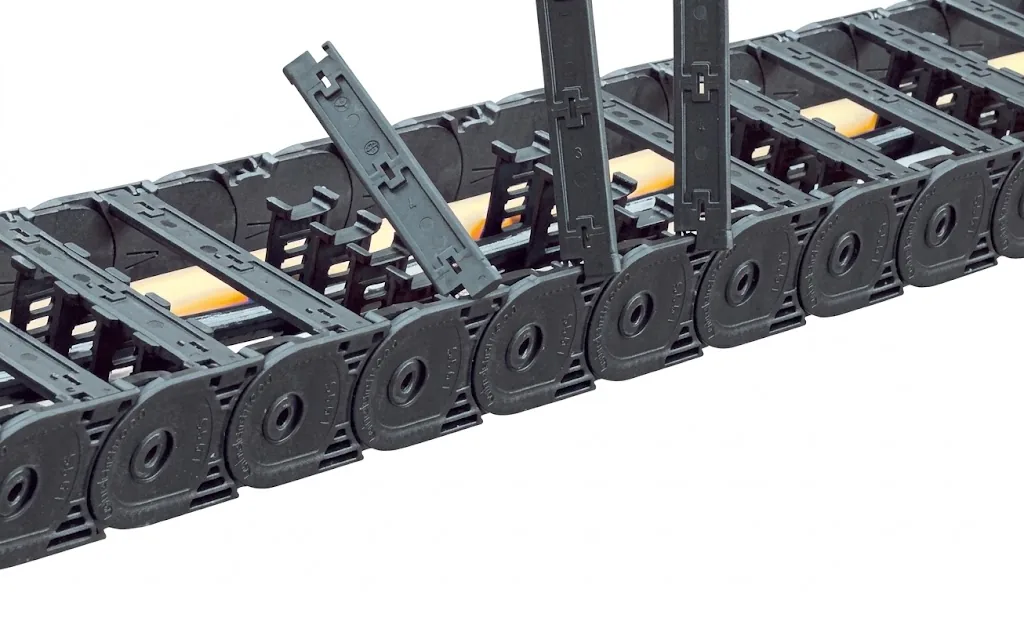
- Replace only what is worn. You can replace individual links and crossbars without replacing the whole carrier.
- Inspect at fixed intervals. That way you see wear coming and plan repairs during a planned stop.
With the Carrier check you go through the most important points yourself and get a status: OK, attention or action needed. If your carrier wears noticeably fast, look in the troubleshooting guide.
Troubleshooting guideCable carrier wears quicklyWorn side plates, sliding surfaces or hinges after a short time.Go to the solutionWhen do you have the cable carrier inspected?
For machines where downtime is expensive, a fixed inspection pays off. Wisman inspects cable carriers on location, records the condition of each carrier with photos and advice, and preferably plans repairs in a maintenance stop. If repair is no longer an option, see repairing or replacing a cable carrier for how to weigh it up.

Frequently asked questions
How many years does a cable carrier last?
There is no fixed figure for that. The service life depends on the number of movements, the load per movement, the cables, the installation and the environment. A carrier that runs well within its limits lasts considerably longer than a carrier at its limit.
What usually fails first: the cable or the cable carrier?
Often the cable, especially if it is not made for continuous movement or lies too tight in the bend. Choose cables in a class that matches the number of movements and keep the radius generous.
Does a larger radius extend the service life?
Yes. With a larger radius, cables and links flex less abruptly. Use the thickest cable × 7.5 as the minimum and, if in doubt, choose × 10, if there is enough installation height.
How can you tell that a cable carrier is at the end of its service life?
From play in the links, worn side plates or sliding surfaces, broken crossbars, more noise and an upper run that sags further. Cables that twist or creep out of the carrier are also a sign.
Can Wisman assess the condition of my cable carriers?
Yes. We inspect cable carriers on location, record the condition of each carrier and advise what is needed now and what can wait.
Next step
Calculate it yourself or browse the range. We check your result free of charge.
Series on this topic
Question about this topic?
Ask Joep directly
RMO Specialist at Wisman Techniek