Short answer
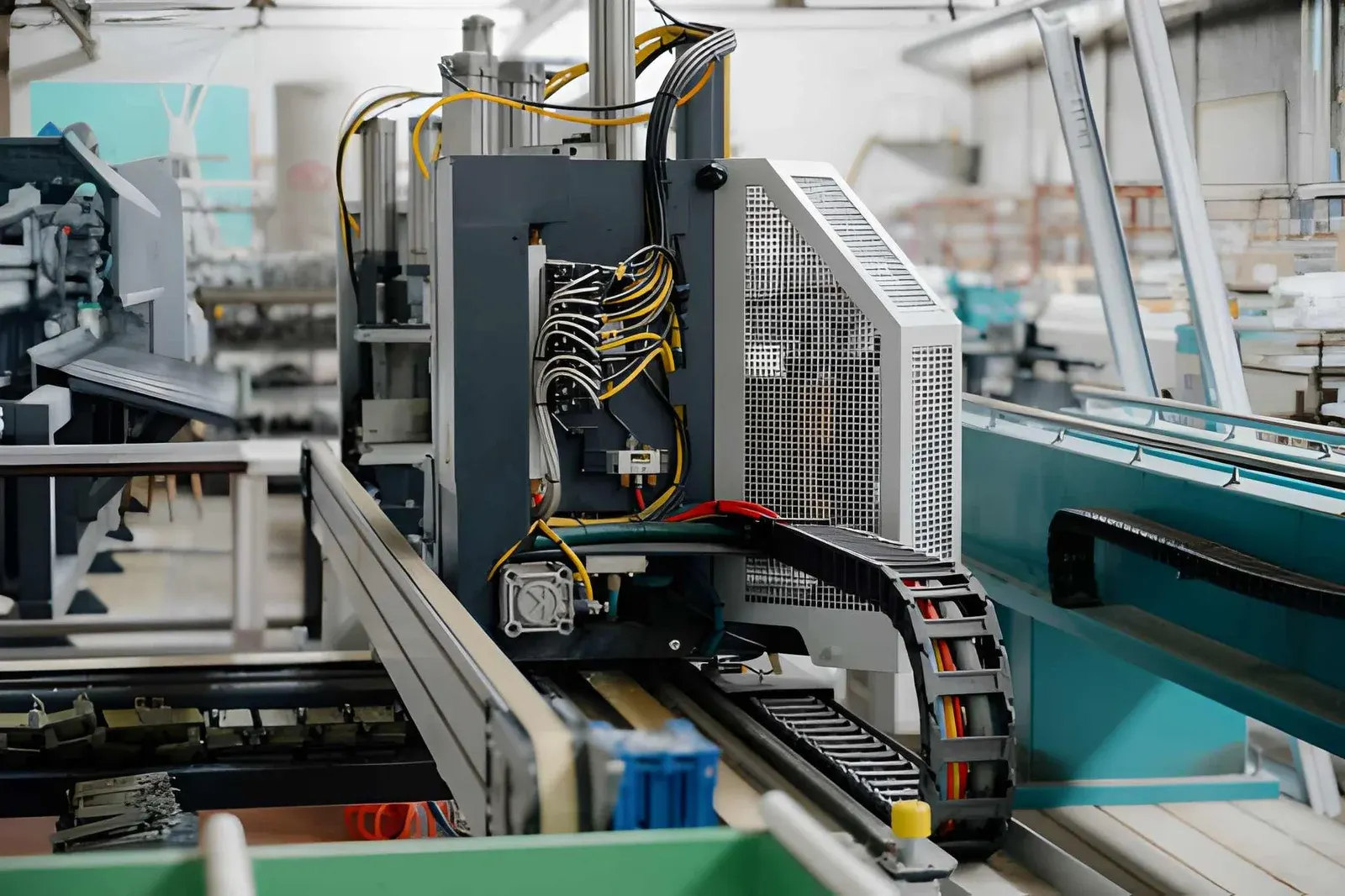
Clean a cable carrier with the machine de-energised, first dry with a brush or vacuum cleaner, then if necessary with water and a mild soap. Do not use solvents on plastic, do not blow swarf deeper into the carrier with compressed air and do not lubricate the carrier with oil or grease. While cleaning, check the links, cables and channel straight away.
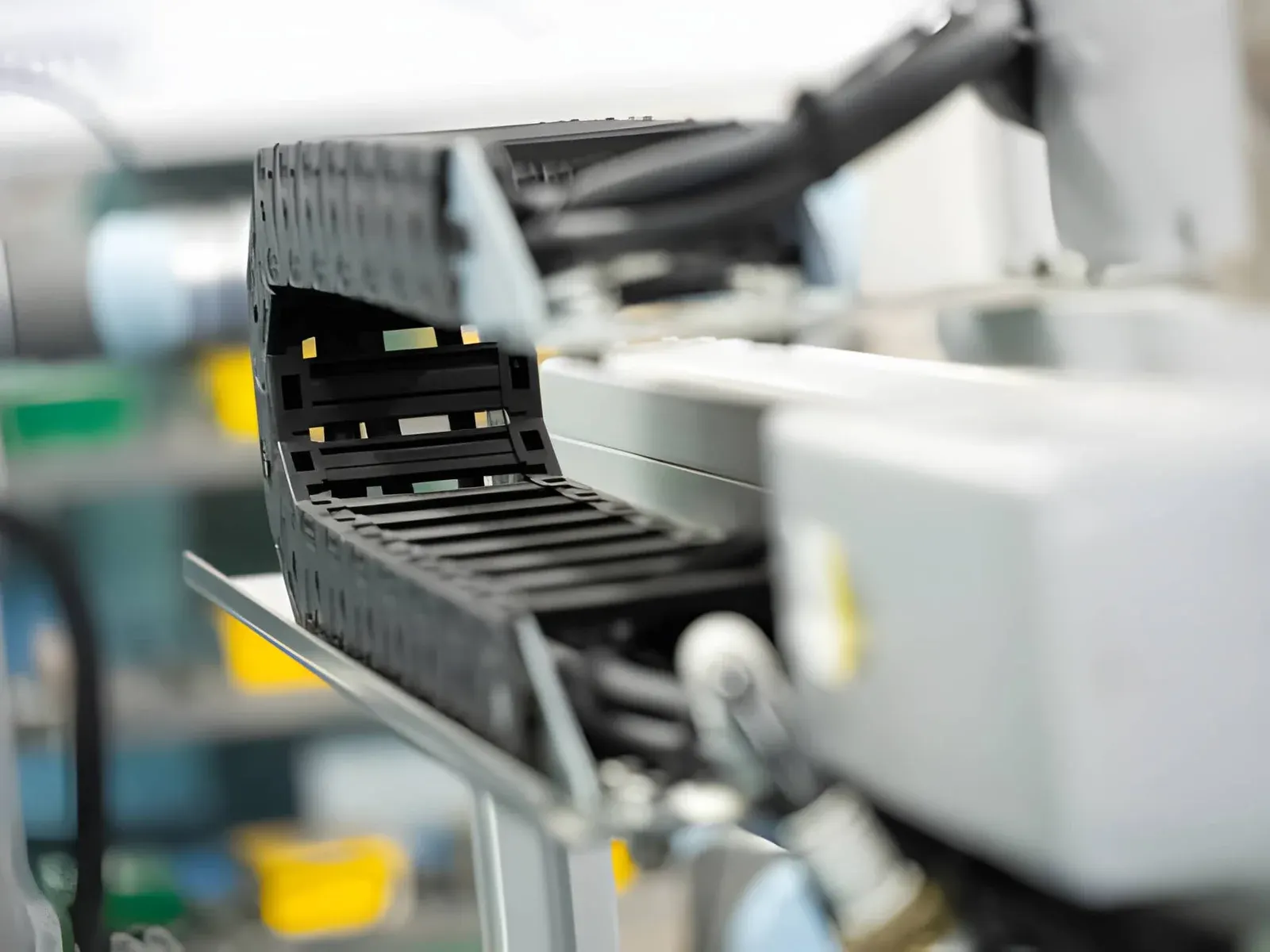
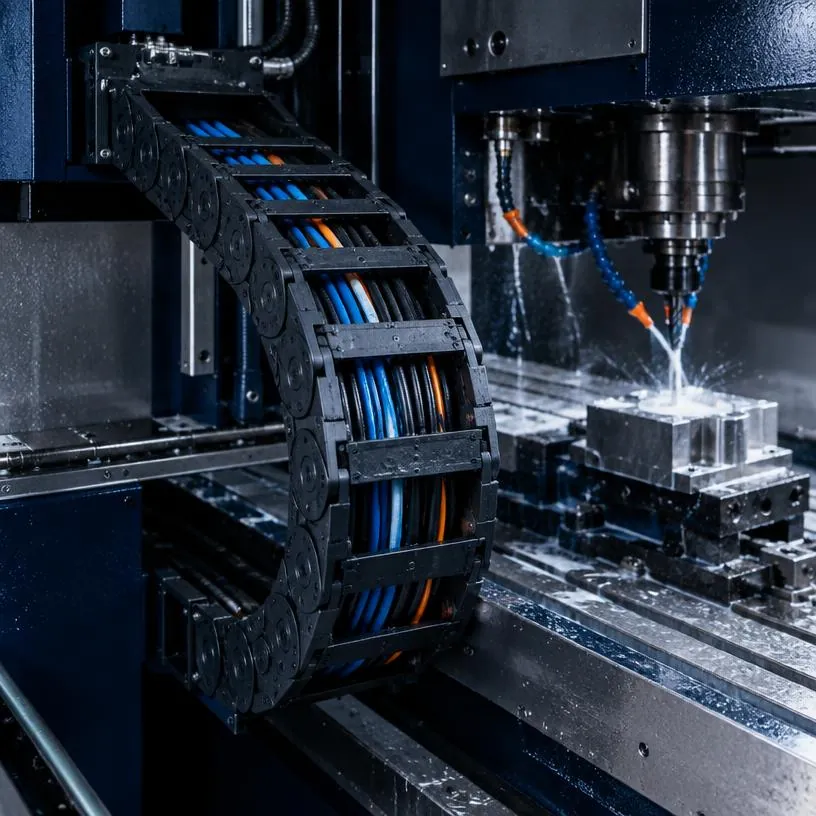
You clean a cable carrier with the machine stopped and de-energised: first dry with a brush or vacuum cleaner, then if necessary wet with water and a mild soap. Do not use solvents on plastic, do not blow swarf between the links with compressed air and do not put the carrier in oil or grease. Dirt in a cable carrier is not a cosmetic flaw. Swarf, dust and grinding residue act like abrasive paste between the links and on the cable jacket, and so shorten the service life of carrier and cables.
Below you can read when cleaning is needed, how to deal with each type of dirt and what you had better not do.
Why do you need to clean a cable carrier?
A cable carrier moves with every stroke of the machine. Whatever gets between the links moves along and abrades. This has three consequences:
- The links wear faster: dirt between the pivot points creates play, and play causes sagging and noise.
- The cables wear: swarf and abrasive dust in the carrier damage the jacket. A cable that loses its jacket will fail sooner or later.
- The carrier no longer runs freely: dirt in the guide channel or on the gliding surfaces makes the carrier catch or ride up. With a long travel length it can then run out of the channel.
A carrier that makes more and more noise or leaves grinding residue has often been dirty for too long already. How to recognise this is explained in recognising wear on a cable carrier.
When does a cable carrier need cleaning?
There is no fixed interval. It depends on the environment and the number of movements. A carrier in a clean assembly hall can go a long time without. A carrier next to a lathe or in a woodworking machine needs attention much more often.
Clean the carrier in any case if you see this:
- swarf, dust or coolant residue between the links or on the cables;
- dirt, plastic residue or objects in the guide channel;
- shiny rubbed spots on the carrier, the channel or the machine;
- a carrier that sounds different from normal.
Agree per machine when the carrier is checked and cleaned, and include it in the regular maintenance round. If you see more dirt each time than the previous time, shorten the interval.
Cleaning a cable carrier in five steps
Work in the same order every time. That way you forget nothing and see straight away whether something has changed.
- (01)Stop the machine and make it de-energised. Secure it against unintentional starting according to your company's rules. Never work on a carrier that can move.
- (02)Remove loose dirt dry. Use a soft brush, a paintbrush or an industrial vacuum cleaner. Start in the bend and at the end fixings, as that is where most collects.
- (03)Empty the guide channel. Remove swarf, dirt and loose objects from the channel over the whole travel length. A channel full of debris makes a clean carrier dirty again within a short time.
- (04)Clean wet where necessary. Use lukewarm water with a mild soap and a cloth. Rinse with clean water and let the carrier dry before the machine runs again.
- (05)Let the machine move slowly and check. Listen to whether the sound is normal and check whether the carrier runs freely over the whole travel length.
What had you better not use when cleaning?
A few workshop habits do a cable carrier more harm than good.
| Avoid | Why not | Better |
|---|---|---|
| Solvents on plastic | Plastic can become brittle or soft | Water with mild soap |
| Compressed air on the carrier | You blow swarf deeper between the links and into the cables | Vacuum cleaner or brush |
| High-pressure jet on cables and strain relief | Water and dirt penetrate the fixing and the cable ends | Cloth and low pressure, or dry cleaning |
| Oil or grease on the links | Grease holds dust and swarf and turns them into abrasive paste | Let it run dry and clean |
| Scraping with sharp tools | You damage the links and the cable jacket | Plastic scraper or brush |
A plastic cable carrier does not need to be lubricated. Lubricating is usually not necessary for a steel carrier either. If you are unsure about your type, ask us before applying anything.
How do you deal with swarf, dust and coolant?
Each type of dirt needs its own approach.
Metal swarf. Remove it dry with a brush or vacuum cleaner. Hot swarf can burn into plastic. If you see burn marks or discolouration, the material or version is not a good match for the location. More on this can be found in steel or plastic cable carrier.
Dust and wood fibres. Fine dust creeps in everywhere. A vacuum cleaner works better than a brush here, because you do not just move the dust around. Also look in the channel: wood dust and fibres can form a layer there on which the carrier starts to abrade.
Coolant and oil. A wet, greasy layer holds swarf. Remove the layer with water and a mild soap and rinse well. If coolant keeps getting on the carrier, check whether the splash guard or the machine's shielding is fitted properly.
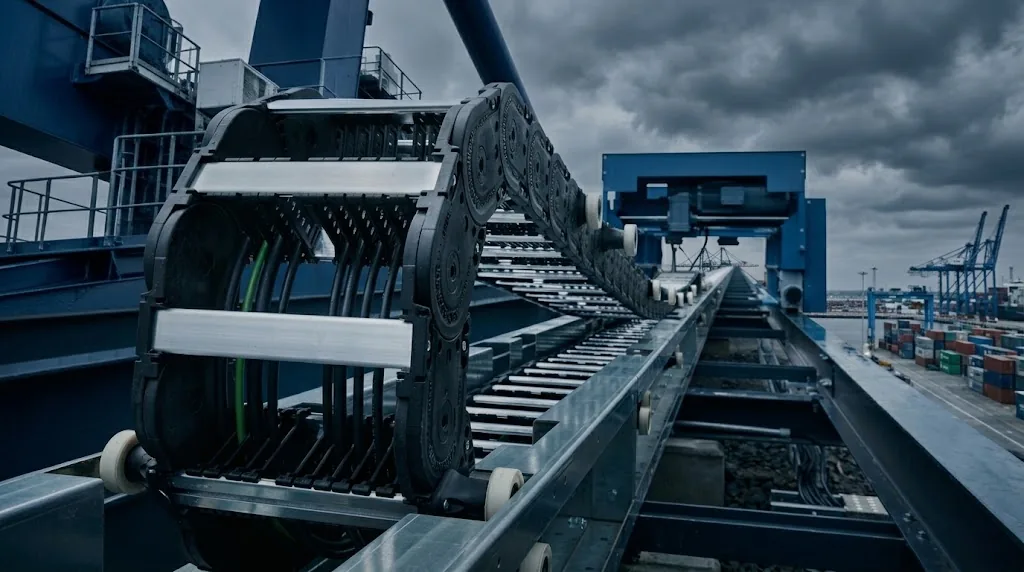
Outdoors and in ports. Sand, salt and leaves end up mainly in the channel. With a long travel length, keep the channel clean, especially at the places where the carrier runs on itself or on the gliding surfaces. See also cable carrier long travel length.
Troubleshooting guideCable carrier wears quicklyWorn side plates, sliding surfaces or hinges after a short time.Go to the solutionWhat do you check while cleaning a cable carrier?
A clean carrier is the best moment for a short inspection. You then see what the dirt first hid. Go through these points:
- Links and side plates: cracks, breakage, deformation or discolouration.
- Crossbars: all present, locked and not bent.
- End fixings: bolts tight, no cracks, properly aligned.
- Cables: lie straight next to each other, without twisting, and are secured at both ends with strain relief.
- Cable jacket: no abraded, torn or crushed spots.
- Channel and gliding surfaces: no worn-in grooves or loose parts.
With the Carrier check you go through these points in a few minutes and get a status: fine, attention or action needed. If you see a cable with a damaged jacket, read replacing a cable in a cable carrier.
Calculate it yourselfCarrier checkHow is your cable carrier doing? Check it yourselfStart the carrier checkCan you prevent a cable carrier from getting dirty all the time?
Partly. If you have to clean the carrier very often, that is a sign that the version is not a good match for the location.
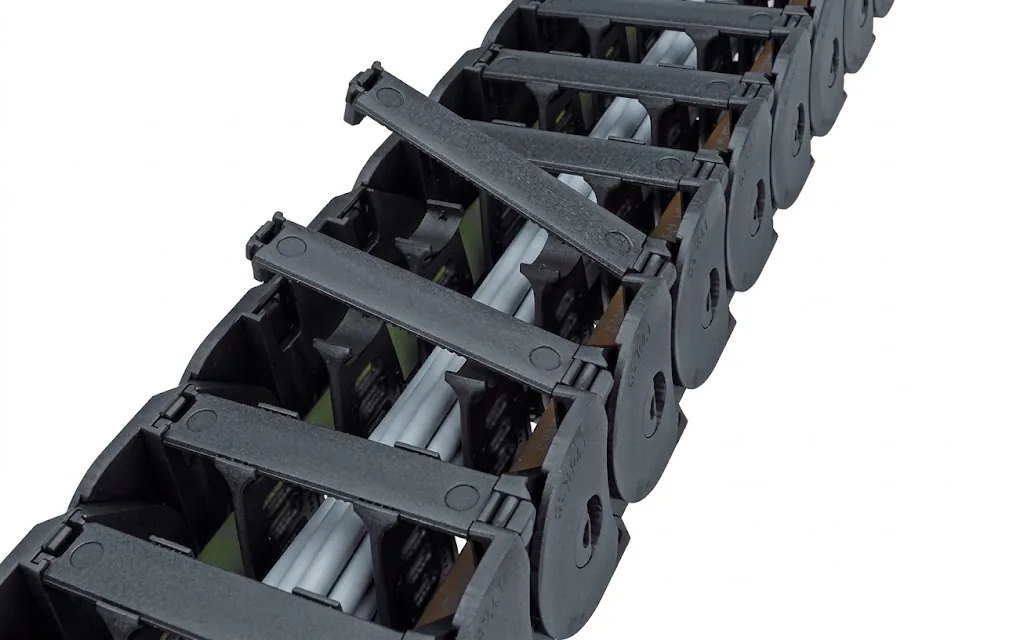
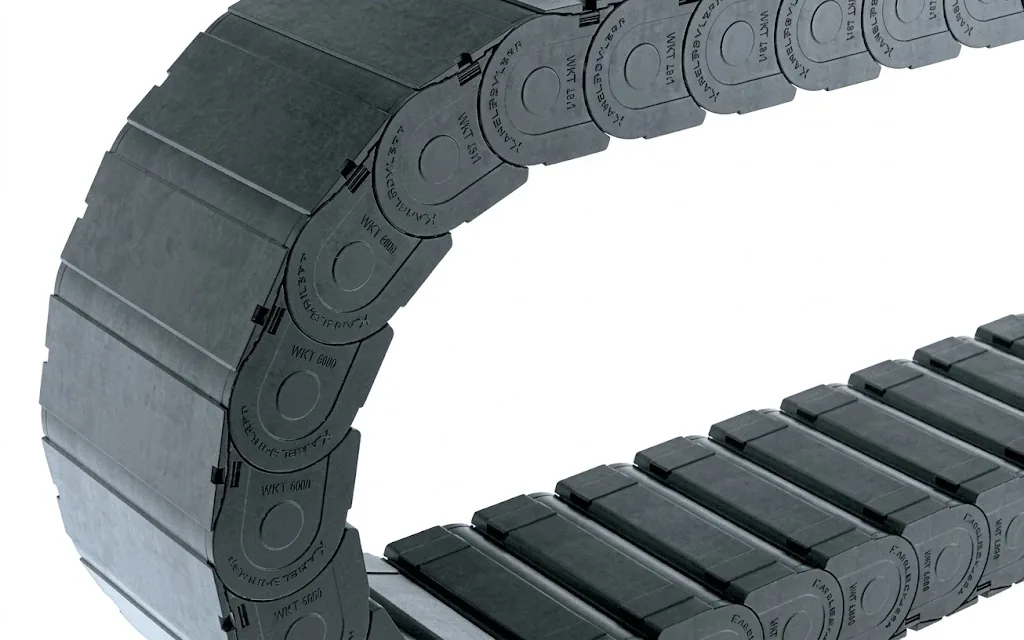
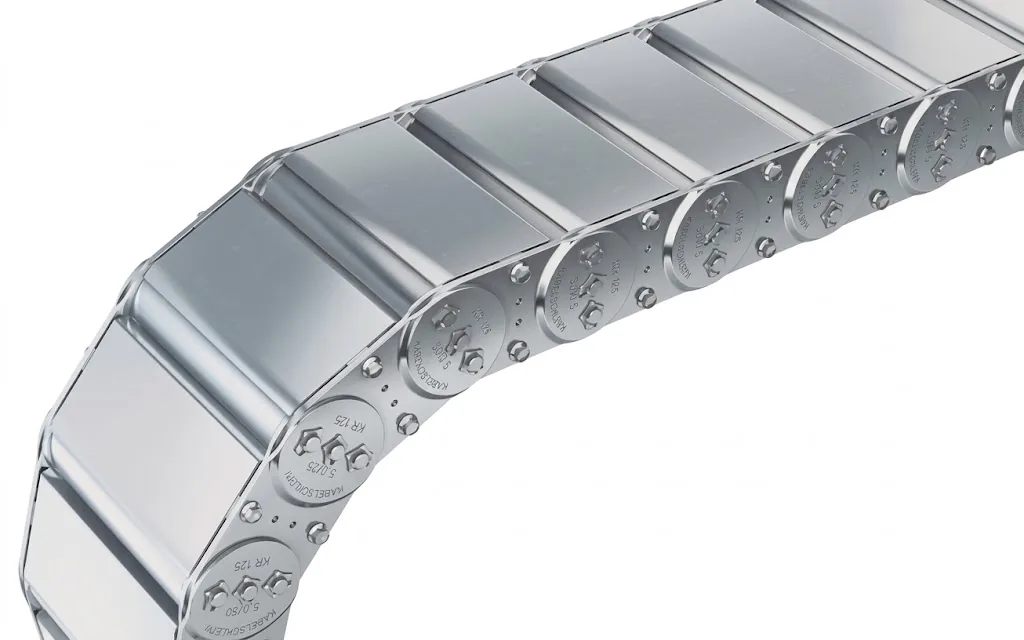
- Choose an enclosed cable carrier where swarf and dust fall. A fully sealed carrier such as the TKA keeps swarf, dust and dirt out of the carrier. For heavy and contaminated environments there is the UAT, and where it is hot and heavy there is the steel S/SX Tubes. Read the trade-off in open or enclosed cable carrier.
- Choose a dirt-repellent design if an open carrier is sufficient. The TKK is made so that dust, swarf and dirt build up less in the links.
- If the machine shields the carrier, for example with a cover or a lid over the channel, less dirt gets in.
- Place the carrier somewhere else if possible, outside the swarf throw or the splash zone.
If you are considering a different version, the cable carrier configurator shows which enclosed series fit your dimensions and travel length. We check the choice free of charge.
Can Wisman take over cleaning and inspection?
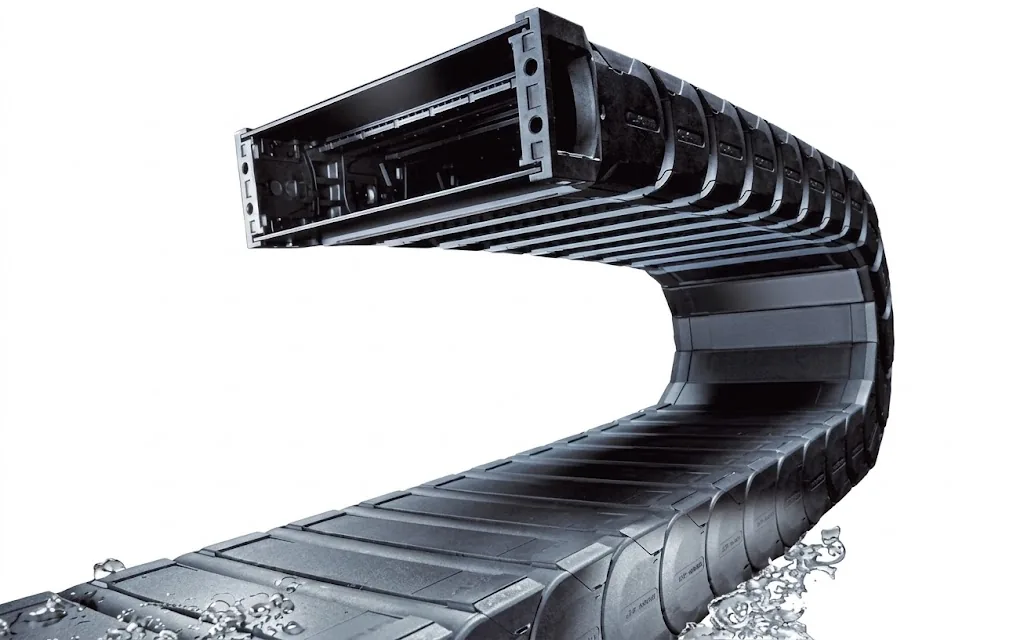
Yes. With maintenance and inspection we check your cable carriers on site and record the condition of each carrier in RupsInspect: links, guidance and cables, with photos, a priority and a recommendation. We include contamination in this, as well as the question of whether a different version would need less maintenance. You can find individual parts such as links and crossbars under parts. We also work on carriers of other brands.
Frequently asked questions
May you blow a cable carrier clean with compressed air?
Preferably not. Compressed air blows swarf and dust deeper between the links and between the cables, where they abrade further. Use a brush or an industrial vacuum cleaner.
Do you need to lubricate a cable carrier?
A plastic cable carrier does not need to be lubricated. Oil or grease holds dust and swarf and accelerates wear. Lubricating is usually not necessary for steel carriers either. If you are unsure about your type, ask us.
Which cleaning agent do you use for a plastic cable carrier?
Lukewarm water with a mild soap. Do not use solvents, as they can attack the plastic. Rinse with clean water and let the carrier dry before the machine runs again.
How often do you need to clean a cable carrier?
That depends on the environment and the number of movements. Include it in the machine's regular maintenance round and shorten the interval if you find more dirt each time.
My cable carrier is always dirty. What can I do?
Check whether an enclosed or dirt-repellent series would be a better fit, whether the machine can shield the carrier and whether the carrier can be placed outside the swarf or splash zone. We are happy to take a look free of charge.
Next step
Calculate it yourself or browse the range. We check your result free of charge.
Series on this topic
Question about this topic?
Ask Joep directly
RMO Specialist at Wisman Techniek