Short answer
A slight sag of the upper run is normal with a self-supporting cable carrier. If the sag increases, or the upper run touches the lower one, the cable package is too heavy, the travel length is too long for the type or the links have developed play due to wear. Measure the sag, compare it with the type and resolve the cause instead of tying up the carrier.
A cable carrier sag of a few centimetres in the upper run is normal in a self-supporting arrangement. If the sag becomes larger than at installation, or the upper run ends up on the lower one, something has changed. Usually the cable package is heavier than the type was chosen for, the travel length is too long to be self-supporting, or there is play in the links due to wear. A cable carrier that keeps sagging further will start to flap, rub and eventually break. That is why it pays to look for the cause as soon as you see the sag change.
Below you can read how to assess whether the sag is acceptable, which causes occur most often and what to do for each cause.
What is sag in a cable carrier?
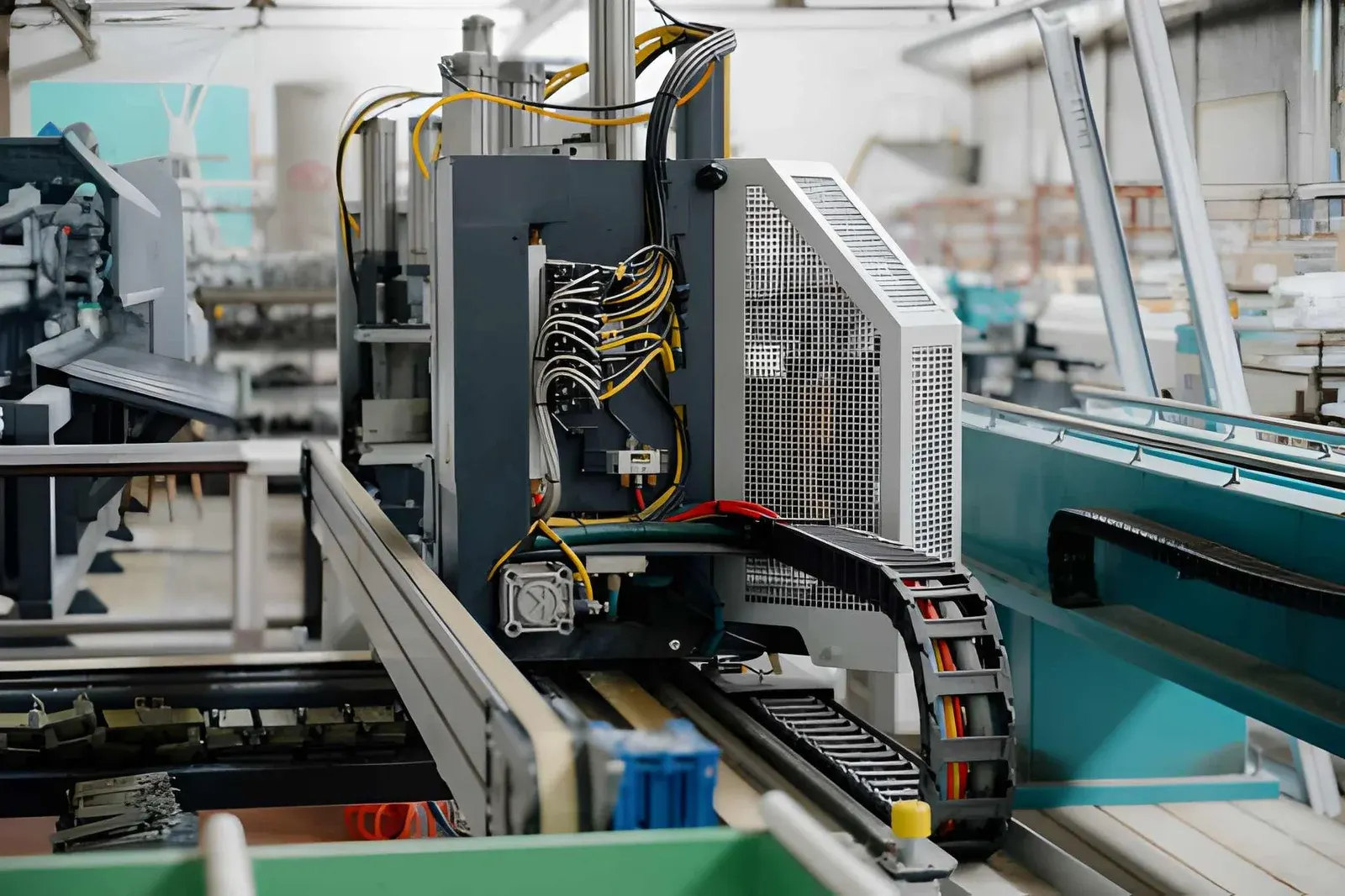
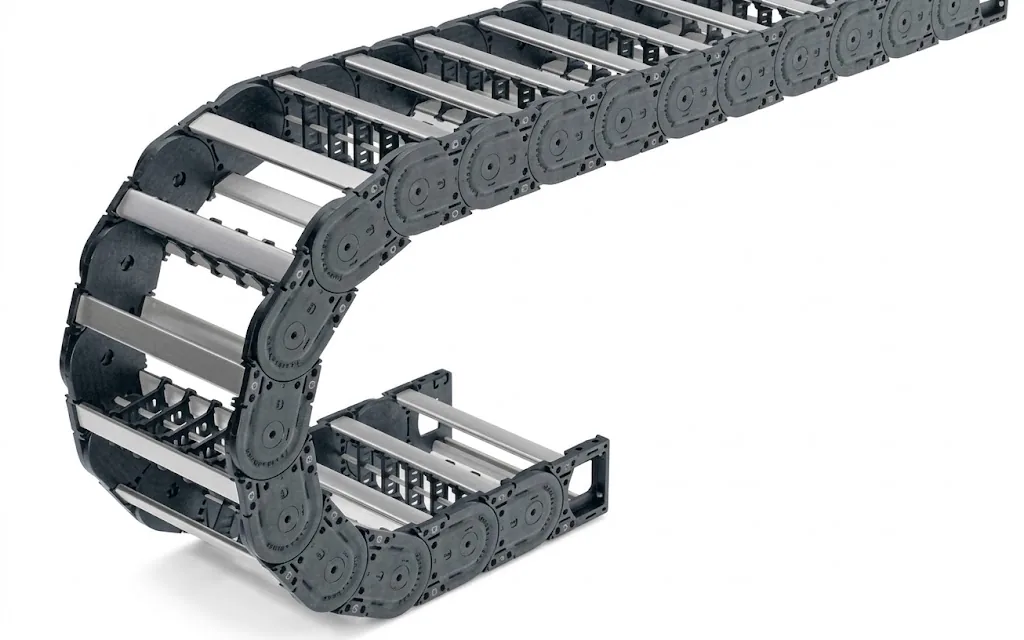
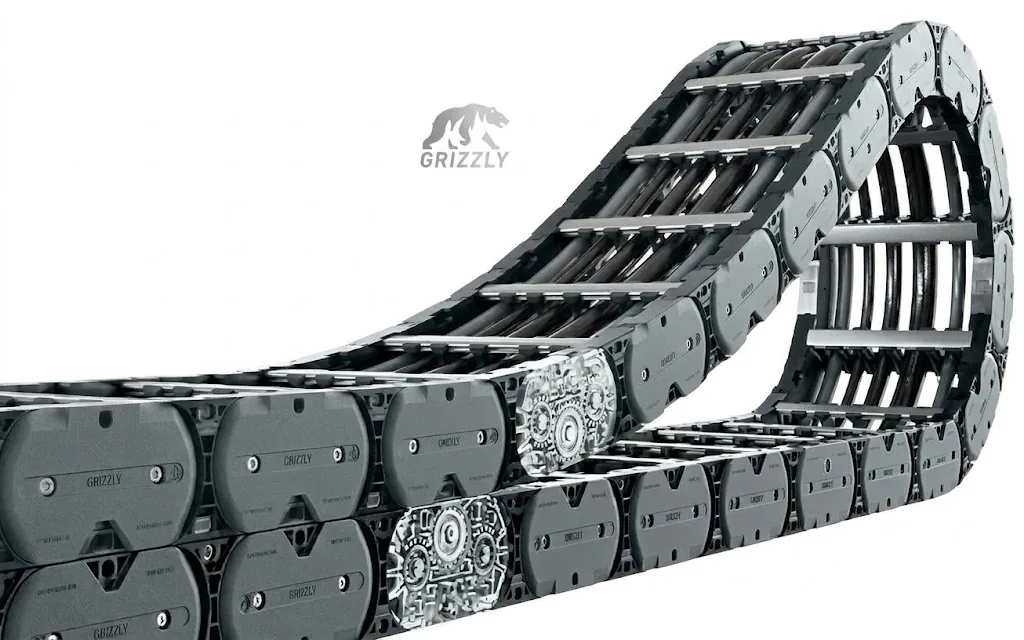
In a self-supporting arrangement the carrier supports itself. The fixed point is usually in the middle of the travel length, the driver moves back and forth, and the upper run hangs freely above the lower one. Due to its own weight and the weight of the cables, that upper run bends down a little. We call this the sag.
A carrier is designed for this. For each type, the manufacturer specifies up to which travel length it can be self-supporting, at a given weight of the cable package. Within that limit the sag stays limited and the carrier runs smoothly. Beyond it, the sag increases rapidly. More about this limit can be found in self-supporting or gliding.
In a gliding arrangement the upper run deliberately rests on the lower one and glides in a guide channel. Here sag is not a measure of the condition of the carrier. This article is about self-supporting carriers.
How much sag is normal in a cable carrier?
There is no fixed figure that applies to every carrier. It depends on the type, the length of the self-supporting section and the weight of the package. What you can do is compare the current condition with the condition at installation.
A practical check:
- (01)Stop the machine and isolate it from the power supply, with the driver in the furthest position. There the self-supporting section is longest and the sag greatest.
- (02)Stretch a string or lay a straightedge from the top of the carrier at the driver to the start of the bend.
- (03)Measure the greatest difference between the string and the top of the carrier. Note the value with the date.
- (04)Check whether the upper run touches the lower one. Shiny spots on the top of the lower run mean it is already happening during movement.
- (05)Repeat the measurement at every maintenance round. A value that grows step by step is the signal that matters.
Why does a cable carrier sag more than it used to?
If the sag increases over time, the cause is almost always one of these four points.
Cables or hoses have been added. During a modification or extension, another cable or hose is often added to the carrier. Every extra kilogram per metre counts towards the self-supporting limit. A carrier chosen for the original package can suddenly fall outside it. Hydraulic hoses with oil weigh more than you think, see hydraulic hoses in a cable carrier.
The stroke has become longer. If the machine has been modified and the carrier lengthened, the self-supporting section is also longer. If the new travel length is close to or above the limit of the type, you see this immediately in the sag. Read how to determine the length again in shortening or lengthening a cable carrier.
The links have play. Every stroke loads the pivot points between the links. After many movements, or sooner in an environment with chips or abrasive dust, play develops. This play adds up over the entire length. The carrier becomes slacker and sags more, even though nothing has changed with the cables. Dirt between the links accelerates this, see cleaning a cable carrier.
A link or crossbar is damaged. A cracked side plate or a broken stop gives much more play in one place. You then no longer see an even arc, but a kink.
Troubleshooting guideCable carrier makes noiseRattling, clacking or squeaking with every movement.Go to the solutionWhat happens if you leave the sag?
A carrier that sags just a bit too much often keeps working for a while. But the damage builds up:
- The upper run touches the lower one. The carrier hits itself with every movement. This causes noise, wear on the top of the links and vibrations in the machine. See also quiet cable carrier.
- The links are loaded more heavily. More sag means more force on the pivot points. The play increases faster, and so does the sag.
- The cables suffer too. A carrier that flaps or kinks makes the cables move and rub with it. This ends in cable breakage in the cable carrier.
- The carrier can break. With a serious kink or a link that has come loose, the carrier can jam or break. The machine then stops.
How to recognise wear before it gets to that point is described in recognising wear on a cable carrier.
How do you fix cable carrier sag?
The solution depends on the cause. Do not tie up the carrier with cable ties or a support batten that is not part of the design. That only moves the problem and creates a new rubbing point.
| Cause | What you see | What you do |
|---|---|---|
| Package has become heavier | Sag increased after a modification | Recalculate the weight, choose a heavier type or distribute the package |
| Travel length too long for the type | Sag from the first day after lengthening | Type with a greater self-supporting travel length, or gliding arrangement with a channel |
| Play due to wear | Gradually more sag, carrier feels slack | Replace the worn part or the entire carrier |
| Damaged link | Kink in one place instead of an arc | Replace the link and look for the cause of the damage |
Package or travel length outside the limit. First recalculate with the current package and the current stroke. With the calculators for cable carrier length and fill level you can quickly get the basics in order. In the cable carrier configurator you then see which types are self-supporting for those dimensions, that weight and that travel length. How far types can be self-supporting differs greatly. In our data, for example, the UNIFLEX Advanced UA1455 reaches up to 4.8 m of self-supporting travel length, the QUANTUM® Q080 up to 6.4 m and the M series M0950 up to 7.4 m. If that is too short as well, a gliding arrangement is the next step, with a series such as the TKHP.
Calculate it yourselfCable carrier configuratorCalculate, select and assemble a cable carrierOpen the cable carrier configuratorPlay due to wear. If the play is over the entire length, replacing the carrier is usually better than fitting individual links. New links next to worn links give an uneven carrier. If the damage is in one place, a repair can be enough. The trade-off is described in repairing or replacing a cable carrier. You can order individual links and crossbars via parts.
Check the cables. If the carrier has sagged too much for a long time, also check the cables for rubbing marks and twisting. A cable with a damaged sheath should be replaced immediately, see replacing a cable in a cable carrier.
How do you prevent sag in a new cable carrier?
With a new machine you prevent most problems in the design:
- Calculate with the actual package, including filled hoses and cables that will be added later. How to distribute cables and dividers is described in dividing a cable carrier.
- Do not sit on the limit. If the travel length is close to the self-supporting limit of the type, choose a heavier type.
- Record the measurement at handover, so you can compare later.
- Include the carrier in maintenance. With the Carrier check you go through sag, noise, links and cables in a few minutes and get a status: in order, attention or action needed.
Not sure whether your carrier is still within the limit? Send the dimensions, the travel length and the cable list, or a photo of the carrier in the furthest position. We will check it free of charge and, during an on-site inspection, also look at the rest of the installation. More about this under maintenance and inspection.
Frequently asked questions
Is sag in a cable carrier always a problem?
No. A slight sag of the upper run is normal with a self-supporting cable carrier. It becomes a problem if the sag increases or if the upper run touches the lower one during movement.
May I support a sagging cable carrier?
Only with a support intended for that arrangement. Cable ties or a loose support batten create a new rubbing point and do not solve the cause. Rather recalculate and, if necessary, choose a different type or a gliding arrangement.
Can I remove the play from a worn cable carrier?
No. Play in the links is caused by wear and cannot be adjusted. If the play is over the entire length, you replace the carrier. If it is in one place, an individual link can be enough.
Why does my cable carrier sag more after a modification?
Usually because cables or hoses have been added, or because the stroke has become longer. Both shift the self-supporting limit. Recalculate with the new package and the new travel length.
How often do I check the sag?
Include it in the machine's regular maintenance round and always measure in the same position. A value that grows with every measurement is the moment to intervene.
Next step
Calculate it yourself or browse the range. We check your result free of charge.

Series on this topic
Question about this topic?
Ask Bas directly
Cable Carriers Specialist at Wisman Techniek