Short answer
For a CNC machine you choose the cable carrier by environment, movement and space. Where chips or coolant can reach the cables, use an enclosed carrier such as the TKA or MT, or the steel S/SX Tubes in heavy conditions. Elsewhere a light open carrier is often enough. Choose the cables for movement and resistance to oil and coolant.
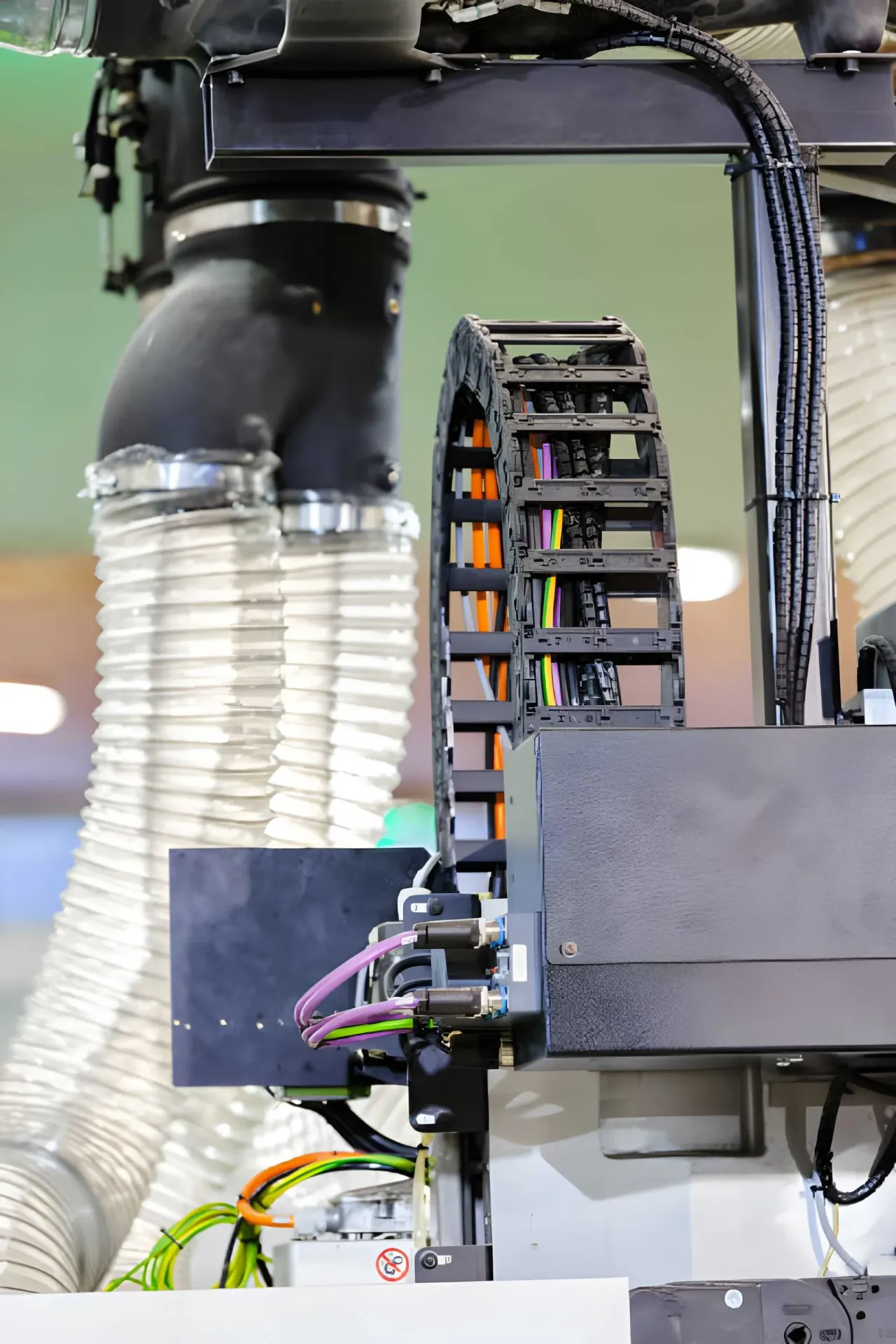
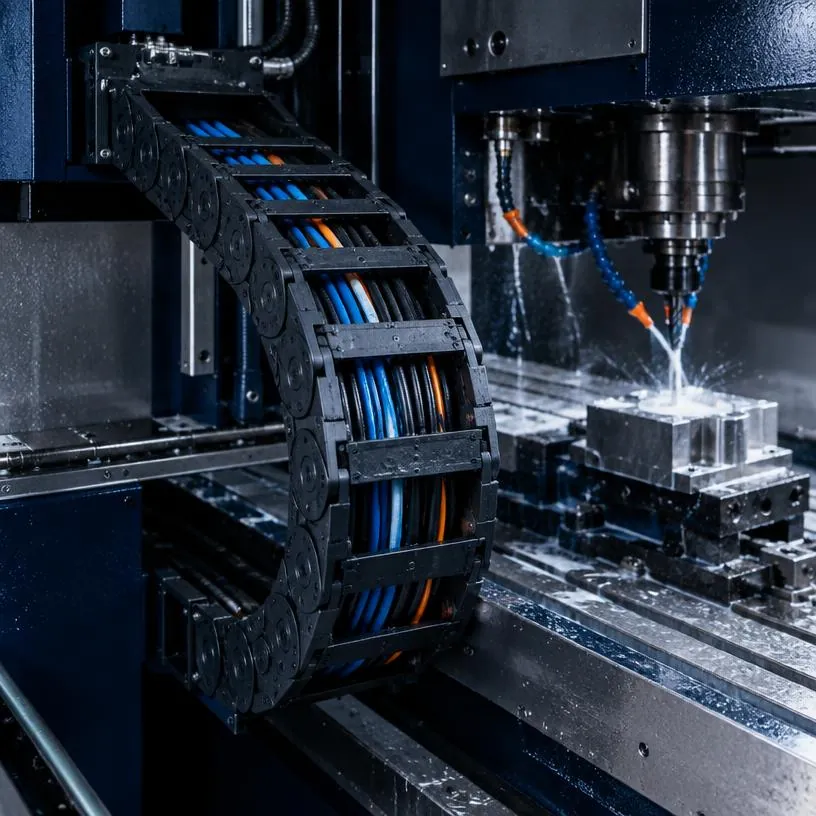
In a CNC machine the cable carrier has a hard time. The axes move fast and often, chips fall, coolant splashes and space in the machine frame is tight. A carrier that lasts for years in a clean machine can cause cable breakage within a few months in a machining centre.
The good news: four questions lead you to the right choice. What falls on the carrier, how does the axis move, how much space is there and which cables go in? Below you read what to look for per question, and which series from the Tsubaki Kabelschlepp range often fit CNC machines.
Where is the cable carrier in a CNC machine?
An average CNC machine quickly has several cable carriers:
- X axis: often the longest travel, on a gantry sometimes on both sides
- Y axis: on the bridge or column, with cables to the Z axis and the spindle
- Z axis: a short, often vertical stroke to the spindle head
- Tool changer, doors and chip conveyor: smaller carriers for secondary movements
Each axis has its own conditions. The carrier near the spindle gets the most chips and coolant, the carrier at the back of the frame sometimes almost nothing. That is why it is often wise to choose per axis, rather than using one type throughout the machine.
Question 1: can chips or coolant reach the cables?
This is the most important question. Chips that fall into an open carrier stay between the cables. In the bend they get trapped between cable and link, and with every stroke they cut a little further into the jacket. Coolant carries grinding dust and chips into the carrier.
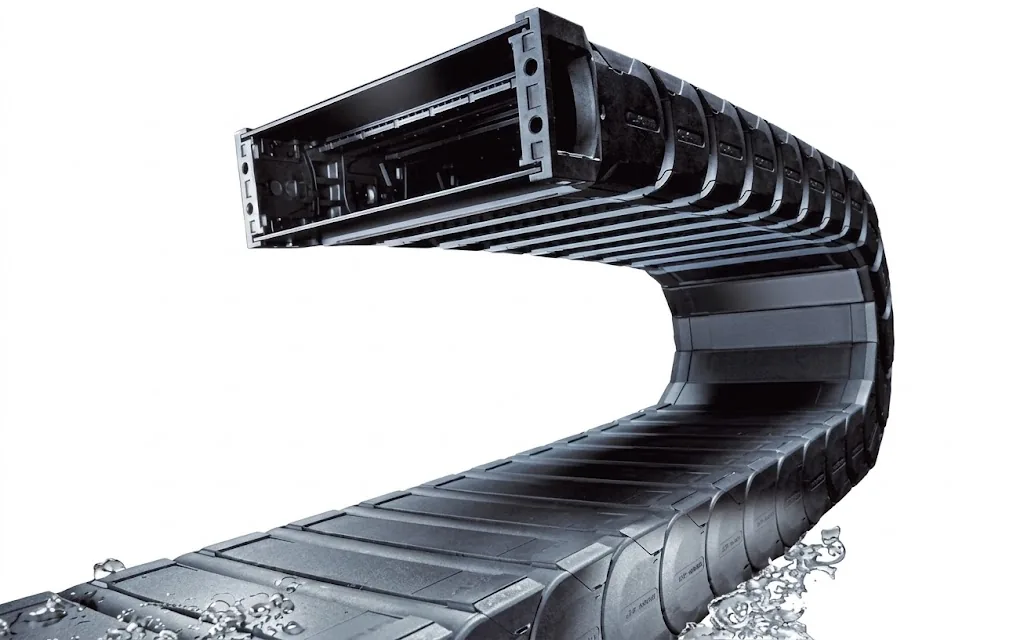
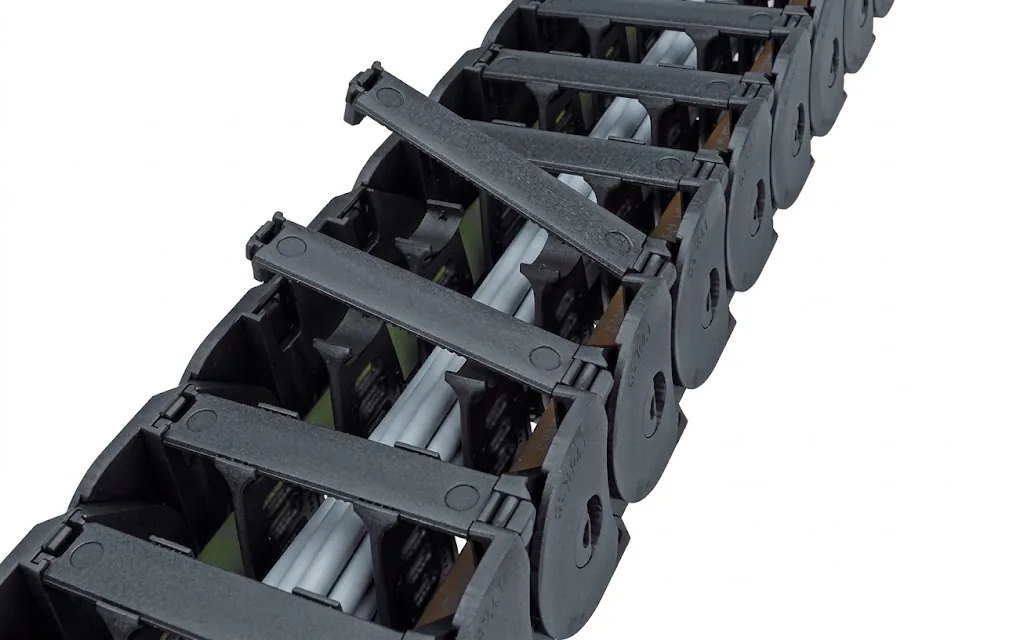
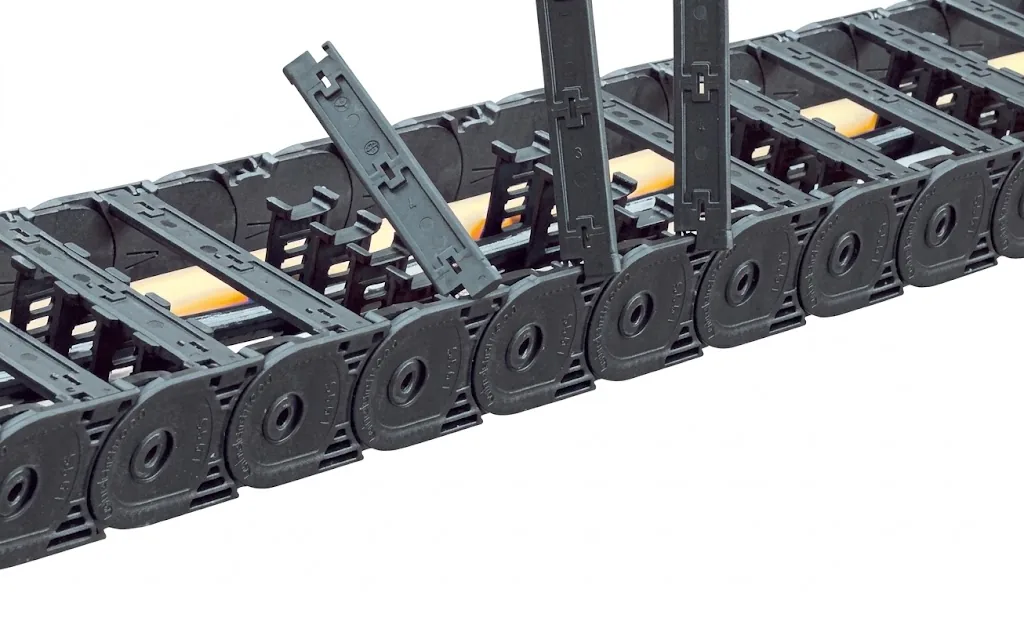
If chips or coolant can reach the cables, choose an enclosed cable carrier. In plastic, the range offers:
- TKA: fully sealed, with a chip-tight and dust-tight design. Made for CNC machine tools and metal and wood working. See the TKA.
- MT: enclosed and variable in width, with covers that open on the inner or outer side and many options for the layout. See the MT.
- UAT: robust and fully sealed, for heavy and dirty environments. See the UAT.
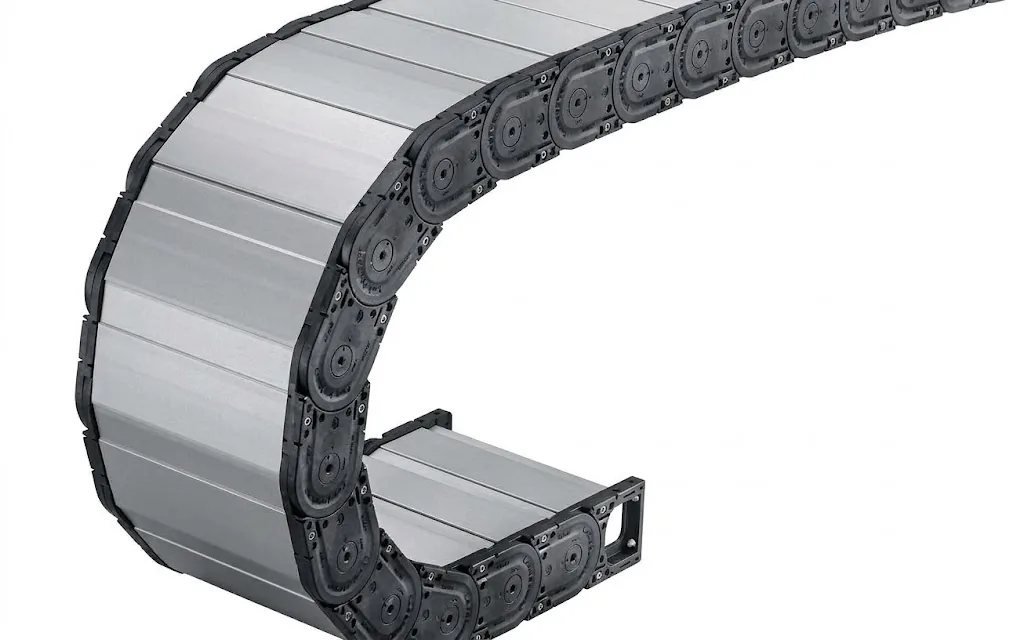
If the load is heavy or hot chips are produced, you end up with the steel S/SX Tubes, with aluminium covers.
If only some dust falls now and then, a carrier with a dirt-repellent design such as the TKK is a middle ground: open, but with less build-up of dirt and chips. More about the trade-off in open or enclosed cable carrier.
Question 2: how fast and how far does the axis move?
CNC axes accelerate and brake hard. A carrier not chosen for this starts to swing, makes noise and wears at the links. What counts for the choice:
- Travel: determines the length of the carrier and whether it can be self-supporting or must glide
- Speed and acceleration: determine which series can handle the movement
- Additional load: the weight of all cables and hoses per metre, which affects the self-supporting length
On most CNC machines the travel is short enough to work self-supporting. Long gantry axes are the exception. How to determine this is explained in self-supporting or gliding. The calculation itself is set out step by step in calculating a cable carrier.
Question 3: how much space is there in the frame?
In a machine frame every millimetre is already intended for something. Two dimensions determine whether the carrier fits:
- Installation height: roughly twice the bending radius plus the outer height of the link
- Outer width: the inner width for your cables plus the wall thickness of the links
If it does not fit, there are options: choose cables with a smaller bending factor, split the package over two carriers or take a series with a lower link height. You determine the radius from the thickest cable; see determining the bending radius.
If you work with a design engineer, they get a STEP model of the chosen configuration from us. That way you see in your own design whether the carrier fits, before anything is ordered.
Question 4: which cables go in?
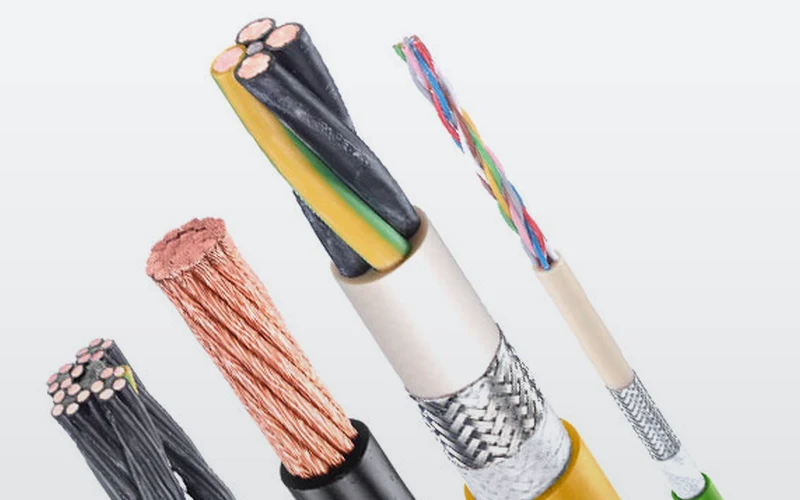
In a CNC machine, motor and servo cables, encoder cables, data, sensors and often air or coolant hoses go into the same carrier. Pay attention to three things:
- (01)Cables for movement: only highly flexible cables are made to bend millions of times. See which cables in a cable carrier.
- (02)Jacket resistant to oil and coolant: with coolant and emulsion you choose a PUR jacket; more in PUR or PVC cable.
- (03)Shielding and layout: separate motor and encoder cables with a divider. How is explained in shielded cable in the cable carrier.
In the Cable finder you search for a TRAXLINE cable by cores, cross-section and travel.
Calculate it yourselfCable finderThe right flexible cable for your cable carrierOpen the cable finderReplacing an existing carrier in a CNC machine
If the carrier is worn or broken, you usually want the same type back. If a type number is still on the link, the Replacement guide shows which series matches. When replacing, also look critically at the cause: if there are chips between the cables, an enclosed version is the better choice. For cable breakage, the troubleshooting guide cable breakage in the cable carrier helps.
Fixed set per machine type
If you build CNC machines in series, we record the configuration under its own number. With every order we supply the same carrier, cut to length and filled with cables if you wish, ready for installation. That way every machine gets the same, proven solution. More about how we work with machine builders under machine building.
Let the configurator do the maths
In the Cable carrier configurator you enter travel, speed, cables and environment. The configurator shows which series fit and a specialist checks the result free of charge. Rather have a proposal for your machine straight away? Request a quote.
Calculate it yourselfCable carrier configuratorCalculate, select and assemble a cable carrierOpen the cable carrier configuratorFrequently asked questions
Which cable carrier is suitable for a CNC machine?
Where chips or coolant reach the cables, an enclosed cable carrier such as the TKA or MT, or the steel S/SX Tubes in heavy conditions. In a clean zone of the machine a light open carrier such as the UNIFLEX Advanced is often enough.
Does a cable carrier in a CNC machine always have to be enclosed?
No, only where chips, dust or coolant can reach the cables. An open carrier is lighter and you lay cables in it faster. If in doubt, start with an enclosed version.
Which cables do you use in a CNC cable carrier?
Highly flexible cables made for continuous movement, with a PUR jacket if oil or coolant is present. Motor and encoder cables are shielded and lie separately in the carrier.
Can I get a 3D model for my machine design?
Yes. Your design engineer gets a STEP model of the chosen series and length, so they can place the carrier directly in the design.
Do you supply the cable carrier complete with cables?
Yes. In Ruurlo we assemble the carrier to length, filled with your cables and hoses and with the end fixings fitted.
Next step
Calculate it yourself or browse the range. We check your result free of charge.
Series on this topic
Question about this topic?
Ask Bas directly
Cable Carriers Specialist at Wisman Techniek