Short answer
A good maintenance plan for cable carriers starts with an overview of all carriers and their details. Then you determine how critical each carrier is, agree an inspection rhythm that suits the load and environment, set aside the spare parts for the critical machines and plan replacement in a planned stop. There is no fixed interval for all machines.

Good cable carrier maintenance is mainly a matter of overview. If you know which carriers are in your factory, which machines would come to a standstill if one breaks and which parts you would then need, maintenance becomes plannable. Without that overview, you only notice a worn cable carrier when the machine has stopped, and the search for type numbers and parts begins at the worst possible moment.
In this article you can read how to set up a maintenance plan in five steps: from a list of all your carriers to spare parts and a planned replacement.
Why a plan for cable carrier maintenance?
A cable carrier wears gradually. Links develop play, sliding surfaces wear, cables start to chafe. This almost always announces itself, with more noise, abrasion dust under the carrier or an upper run that sags further. Anyone who spots these signs in time can choose when to step in.
Without a plan it goes differently. A carrier breaks during production, nobody knows exactly which type is in there, and the replacement has to arrive urgently. A small component then suddenly costs a day of downtime. A plan turns that around: you look at fixed moments, you know what is in stock and you replace during a stop that was already planned.
Step 1: record all your cable carriers
Start with a list. For each carrier, note:
- Machine and location: which machine, which axis or which part.
- Brand, series and type: the type number is usually on the side plate. If you cannot read it, note the dimensions.
- Dimensions: inner height, inner width, bending radius and pitch. How to measure them is explained in cable carrier dimensions.
- Length: the number of links or the length in millimetres.
- Arrangement: self-supporting or gliding, horizontal or vertical, with or without channel.
- Cables: which cables and hoses are in it, with diameter and article number if you have it.
- Environment: clean, dust, swarf, coolant, outdoors.
Take a photo of every carrier straight away, including the end brackets. That list is the foundation of everything that follows. With the Replacement finder you can find a suitable type from our range for the dimensions of an existing carrier, even if the original is from another brand.
Step 2: which cable carrier is critical?
Not every carrier deserves the same attention. Give each carrier a priority based on two questions:
- (01)What happens if it fails? Does one machine stop, a whole line, or does nobody notice for a day?
- (02)How hard is its job? A carrier with many strokes a day, high speed, a long travel length or a dirty environment wears faster than a carrier that moves occasionally in a clean hall.
A carrier that scores high on both questions gets the most attention and the spare parts on the shelf. A carrier that scores low you include in the regular round.
Step 3: how often do you check a cable carrier?
There is no fixed interval for all machines. It depends on the number of movements, the load and the environment. Start with short intervals for the critical carriers and adjust based on what you see. If you find nothing at each check, you can stretch the interval. If you see more wear or dirt each time, shorten it.
Record what you see at each check, preferably with a photo. That way you see change, and that is more important than the state at a single moment. For what to look for, see recognising wear on a cable carrier. If there is dirt in the carrier or channel, see cleaning a cable carrier.
For a quick round on the shop floor there is the Carrier check. You go through the check points in a few minutes and get a status for each carrier: OK, attention or action needed.
Calculate it yourselfCarrier checkHow is your cable carrier doing? Check it yourselfStart the carrier checkStep 4: which spare parts do you keep in stock?
For the critical carriers it pays to have a few components ready. Think of:
| Part | Why keep in stock |
|---|---|
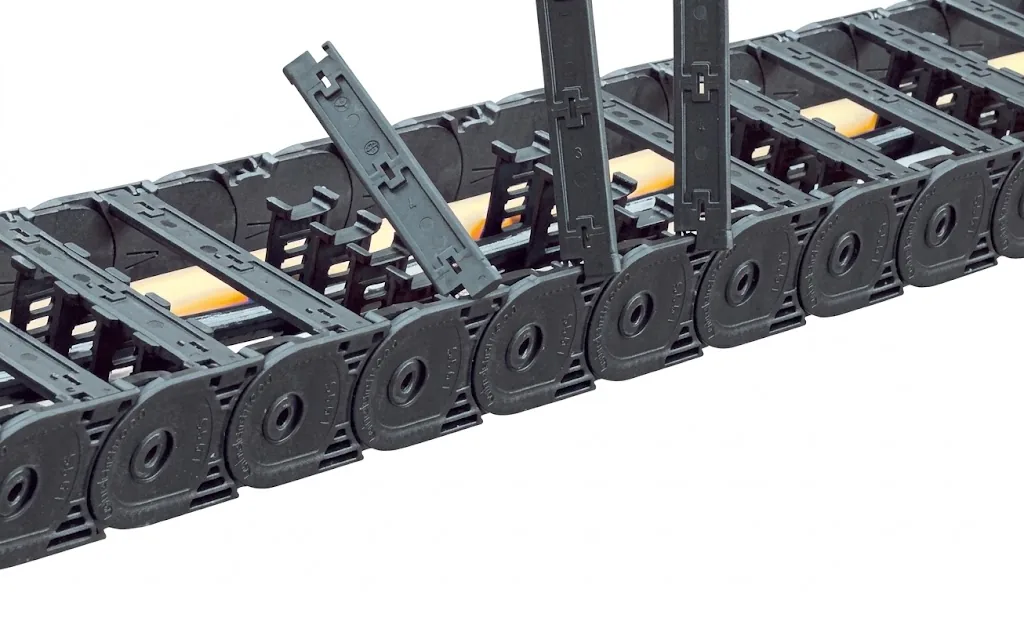
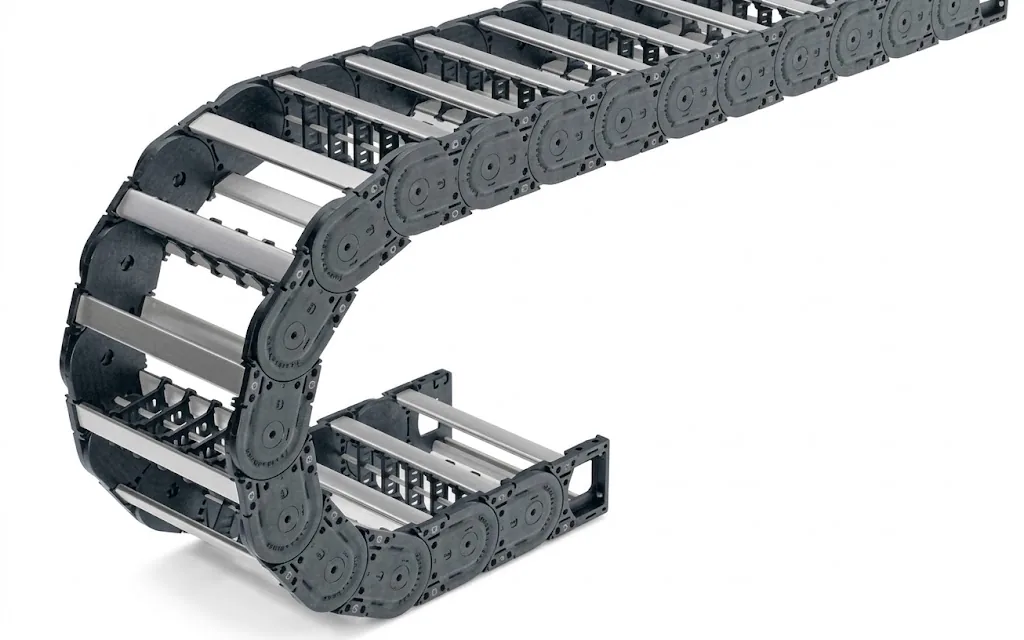
| Links of the same series and size | A broken link can then be replaced yourself, without waiting for delivery |
| Crossbars (cross connections) | Come loose or break off when the carrier catches or through dirt |
| End fixings | Break if the driver is out of line |
| Glide shoes or wear parts | Are the first to wear on gliding carriers |
| Cables for the heaviest movement | The cables often fail before the carrier |
Always order spare parts by series, type and size from your list. A link that almost fits does not fit. The same applies to cables: replace a cable in a cable carrier with a cable made for moving use, such as the flexible cables from our range.
If you have machines with the same carrier, one set of spare parts for that group is often enough. Individual links, crossbars and end brackets can be found under parts. We have more than 5,000 items in stock in Ruurlo; stock items you order before 14:00 often leave the same day.
Step 5: plan replacement in a planned stop
If you see that a carrier is worn along its whole length, plan the replacement in the next planned stop. Make sure everything is ready before the stop begins: the carrier cut to length, the cables, the strain relief and the end brackets. A carrier that arrives fully assembled with cables saves the most time during the stop.
If you are unsure whether an individual repair will do or the whole carrier has to come out, read repairing or replacing a cable carrier. If the same damage keeps coming back, find the cause first. A tight radius, a crooked driver or an overfull package is not solved with new links. The troubleshooting guide cable carrier wears quickly helps you find the cause. If the carrier turns out to have been chosen too tight at the time, calculate a better-fitting type in the Cable carrier configurator.
How do you keep track with many carriers?
With a few carriers a list is enough. If you have dozens of carriers across several halls or locations, a spreadsheet quickly becomes unmanageable. That is what RupsInspect is for. Each carrier gets a QR code on the machine. Whoever scans it opens the inspection form of exactly that carrier, with photos and advice. In one dashboard you see the status of all carriers at your location.
Calculate it yourselfRupsInspectInspection and status overview of all your cable carriersRequest a demoCan Wisman take over the maintenance?
Yes. With maintenance and inspection we check your cable carriers on location, record the condition of each carrier and agree an inspection rhythm based on load and environment. We have more than 500 machines with cable carriers under our maintenance, including carriers of other brands. We repair local damage; for wear along the whole length we advise replacement and look for the cause.

Frequently asked questions
How often should you check a cable carrier?
There is no fixed figure for that. It depends on the number of movements, the load and the environment. Start with short intervals for critical carriers and adjust based on what you see at each check.
Which spare parts do you need for a cable carrier?
For critical machines these are usually links, crossbars and end brackets of the same series and size, for gliding carriers also glide shoes, and the cables that are loaded most heavily.
Where do I find the type number of my cable carrier?
Usually on the side plate of the links. If it is no longer legible, measure the inner height, inner width, bending radius and pitch. With those dimensions we find a suitable type.
Do you need to lubricate a cable carrier as part of maintenance?
A plastic cable carrier does not need to be lubricated. Oil or grease holds dust and swarf. Lubricating is usually not necessary for steel carriers either. If you are unsure about your type, ask us.
Can you also maintain carriers of other brands?
Yes. We also inspect and repair carriers of other brands, and when replacing one we select a suitable type from our range.
Next step
Calculate it yourself or browse the range. We check your result free of charge.

Series on this topic
Question about this topic?
Ask Joep directly
RMO Specialist at Wisman Techniek