

Short answer
Use a fibre optic cable designed for continuous movement, such as the FOC 700, and size the cable carrier with the diameter and bending radius from the datasheet. Lay the cable loose in its own compartment, without torsion and without heavy cables on top, and secure it at both ends with strain relief on the outer jacket, never on the fibres.
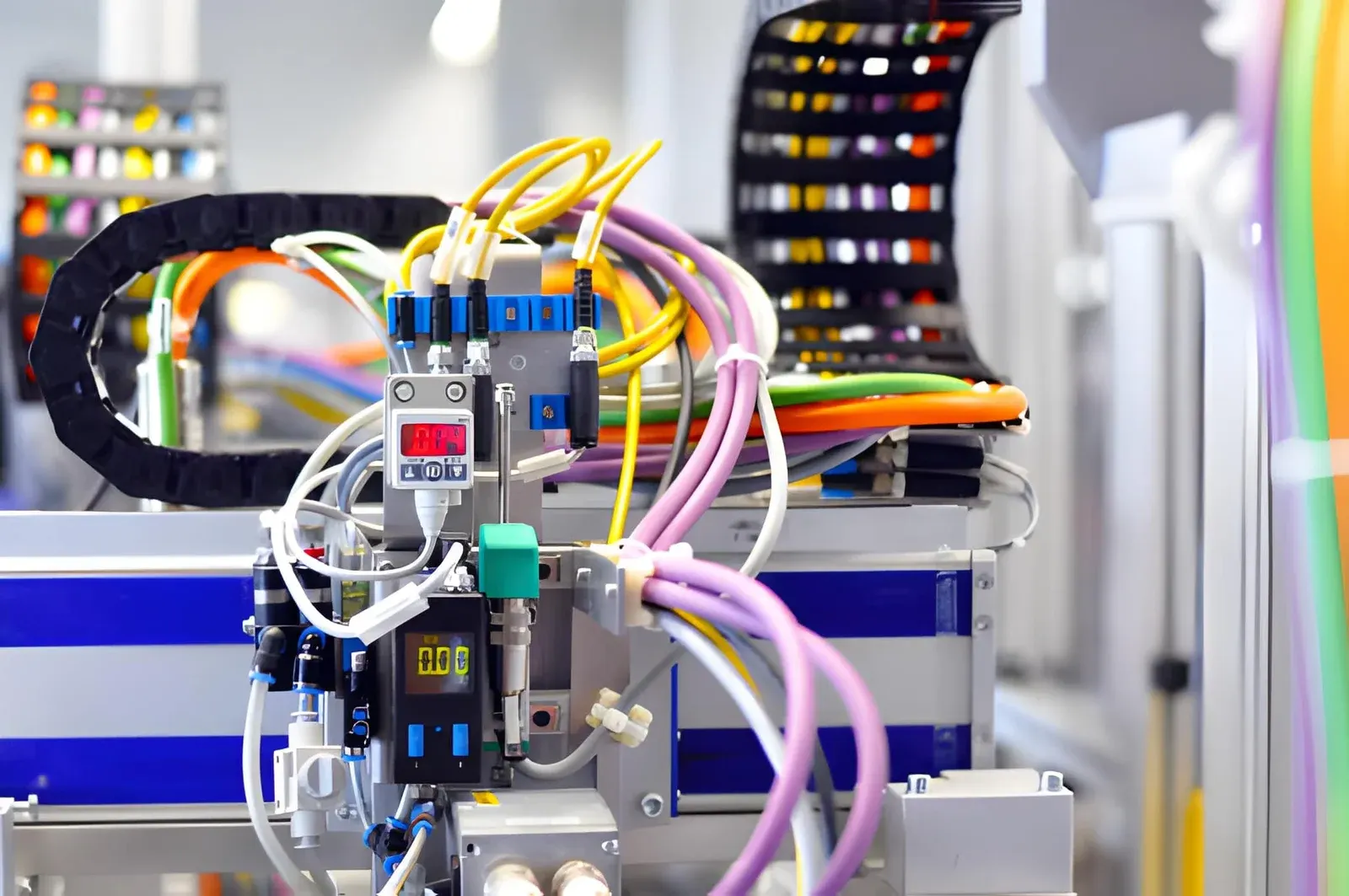
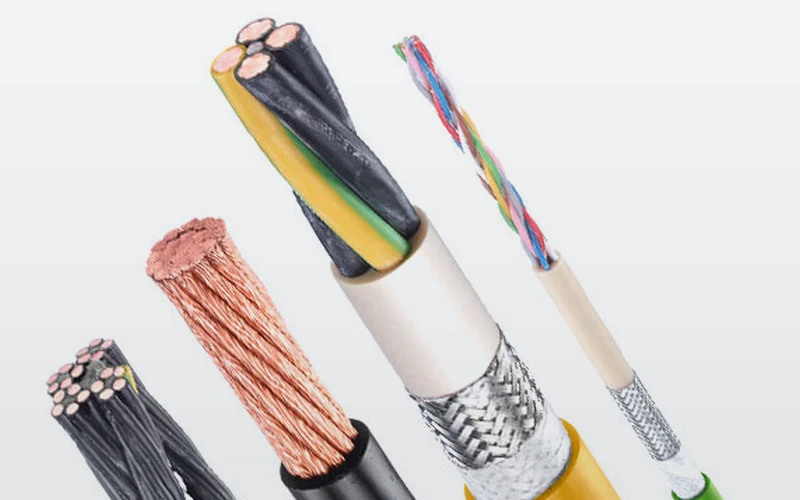
A fibre optic cable can go into a cable carrier without any problem, provided you choose a cable made for movement and lay it with the same care as a servo cable. An ordinary fibre optic installation cable is meant for fixed installation and will not last long in a moving cable carrier. A fibre optic cable for the cable carrier, such as the FOC 700 from the TRAXLINE range of Tsubaki Kabelschlepp, is rated for up to 7 million motion cycles and a travel length of up to 500 m.
This article is for the engineer who has to send data along a long axis or next to heavy drives, and for the technician who has to lay the cable. Why fibre optics are immune to interference, and when you do need a shielded copper cable, is explained in shielded cable in the cable carrier.
When do you choose fibre optics in a cable carrier?
Fibre optics carry data as light through thin glass fibres. No current flows through them, so the cable picks up no interference from motor cables and emits none itself. That makes fibre optics interesting in two situations:
- Long travel lengths: on a gantry, a crane or a long linear axis you want to send the data in one piece over the full length.
- Heavy interference: next to large frequency inverters and thick power cables, the signal over glass stays clean.
In the TRAXLINE data you can see the difference in the specified travel length. That is the distance the cable may travel in a moving cable carrier, not the distance the signal reaches:
| Cable | Type | Motion cycles up to | Travel length up to |
|---|---|---|---|
| FOC 700 | Fibre optic | 7 million | 500 m |
| CAT.6 700 CD | Ethernet | 7 million | 200 m |
| PROFINET 700 CD | Bus | 7 million | 100 m |
| CAT.5E 700 CD | Ethernet | 7 million | 60 m |
Fibre optics only replace the data. For power supply, motors and encoders with a copper connection you still need copper cables. In practice, the fibre optic cable therefore runs alongside power and control cables in the same cable carrier. Which other cables belong in it is explained in which cables in a cable carrier.
Which fibre optic cable fits in a cable carrier?
Look at the same points as for any cable for moving applications: the manufacturer must rate it for continuous movement, with a minimum bending radius for moving use and a number of motion cycles. A cable for fixed installation does not have these figures, or only for a bend that is laid once.
The FOC 700 has a PUR outer jacket, fibres stranded in layers around the centre, and comes in four versions:
| Version | Fibres | Fibre type | Diameter | Weight |
|---|---|---|---|---|
| 6G50/125 µm | 6 | Multimode 50/125 µm | 13,4 mm | 0,14 kg/m |
| 6G62.5/125 µm | 6 | Multimode 62.5/125 µm | 13,4 mm | 0,14 kg/m |
| 12G50/125 µm | 12 | Multimode 50/125 µm | 13,4 mm | 0,14 kg/m |
| 12G62.5/125 µm | 12 | Multimode 62.5/125 µm | 13,4 mm | 0,14 kg/m |
The number before the G is the number of fibres. 50/125 and 62.5/125 give the diameter of the core and of the glass cladding in micrometres. Which fibre type you need is determined by the equipment at both ends: the media converter, switch or controller specifies it. So take the fibre type from the documentation of that equipment, and choose the number of fibres with some reserve, because adding a fibre to an existing cable carrier is far more work than leaving a few unused.
A fibre optic cable has no copper conductors. That is why no copper surcharge applies, unlike the copper cables next to it. If you are looking for a cable by type, travel length and cycles, set the type to fibre optic in the Cable finder.
Calculate it yourselfCable finderThe right flexible cable for your cable carrierOpen the cable finderHow do you determine inner height and bending radius for fibre optics?
You calculate with the same rules as for any cable, with one difference: with fibre optics the bending radius from the datasheet is often the deciding value. A fibre that bends too sharply leaks light or breaks. So always take the larger of these two values:
- (01)Minimum bending radius according to the rule of thumb: 7.5 times the diameter of the thickest cable in the cable carrier, 10 times for a generous margin.
- (02)Minimum bending radius for moving use from the datasheet of the fibre optic cable. The datasheet is on the series page of the FOC 700.
A worked example with the 13.4 mm FOC 700:
- Inner height: at least 1.1 × 13.4 = 14.7 mm. So you are looking for a cable carrier with an inner height of at least 15 mm.
- Bending radius according to the rule of thumb: at least 7.5 × 13.4 = 100.5 mm, generously 10 × 13.4 = 134 mm.
- Datasheet: if the minimum bending radius for moving use given there is larger, that value becomes your lower limit.
If there is a thicker copper cable in the same cable carrier, it may determine the radius. Enter all cables in the bending radius calculator and add the value from the datasheet. The tool shows which value is decisive and which radii are available in the range. How to work this out for a complete cable carrier is explained in determining the right bending radius.
Calculate it yourselfCalculate the bending radiusMinimum bending radius from your thickest cableCalculate itHow do you lay a fibre optic cable in the cable carrier?
A fibre optic cable tolerates no tension on the fibres and no torsion. That is what laying it is all about.
- Its own place in the cable carrier: do not lay the fibre optic cable under heavy power cables. Give it its own compartment with a divider, or a place on top of a stack, so that nothing presses on it. Interference is not the reason for that distance, the weight of the cables next to it is.
- Loose in the compartment: the cable must be able to move freely. Do not tie it to other cables inside the cable carrier. In ChainLogic you draw the layout to scale, with the fill level per compartment.
- Without torsion: unroll the cable from the drum instead of pulling it off, and let it relax straight before it goes into the cable carrier. A line on the jacket shows whether it is twisted.
- Strain relief on the jacket: secure the cable at the fixed point and at the driver with strain relief that holds the jacket. The movement from the cable carrier must never reach the connector or the fibres.
- A little extra length: give the cable 1 to 2% extra length inside the cable carrier, so that it lies freely in the bend and is not taut between fixed point and driver.
Lay first, connectors later?
Fibre optic connectors are fragile and often wider than the cable. If the cable comes with connectors fitted, open the cable carrier over its full length and lay the cable in, instead of pulling it through. If the connectors are fitted only after laying, have this done by someone who installs and tests fibre optics. How to open a cable carrier and change a cable is explained step by step in replacing a cable in the cable carrier.
Which cable carrier suits fibre optics?
You do not need a special cable carrier for fibre optics. The choice depends on the whole cable set and the travel length. For most machines, an all-round plastic cable carrier such as the UNIFLEX Advanced is a good start. With a long travel length, where the cable carrier glides in a channel, look at series designed for that, such as the TKHP. Read more in cable carrier for a long travel length.
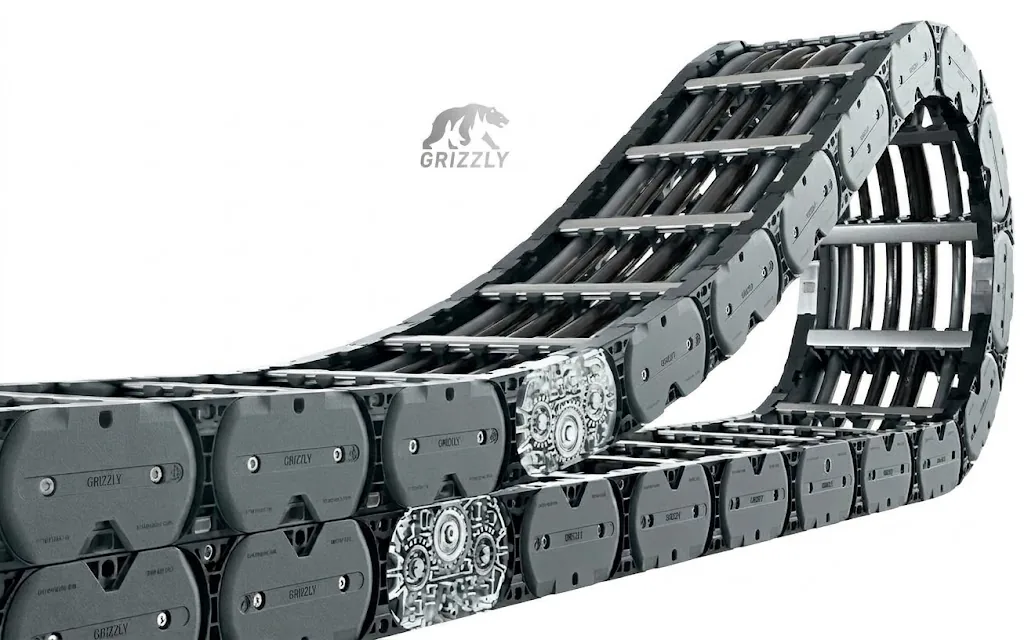
Want the cable carrier and the cables right in one go? In the Cable carrier configurator you choose your TRAXLINE cables directly in the Cable package step, including the FOC 700. The configurator calculates inner height, radius and length. If you wish, we supply the cable carrier complete: cut to length, with the cables inside and the end connectors fitted. Not sure about fibre type or layout? Send your cable list with a quote request.
Frequently asked questions
Can an ordinary fibre optic cable go into a cable carrier?
No. A fibre optic cable for fixed installation is not made for continuous movement and breaks in a moving cable carrier. Choose a cable that the manufacturer specifies for cable carriers, with a bending radius for moving use and a number of motion cycles.
Can a fibre optic cable lie next to a motor cable?
Yes, as far as interference is concerned. Fibre optics conduct no current and pick up no interference. Do lay it so that no heavy cables press on it, for example in its own compartment.
What bending radius does a fibre optic cable need in a cable carrier?
Take the larger of two values: 7.5 times the diameter of the thickest cable, and the minimum bending radius for moving use from the datasheet. For the 13.4 mm FOC 700, the rule of thumb gives at least 100.5 mm.
How long can the travel length be with the FOC 700?
The FOC 700 is rated for a travel length of up to 500 m and 7 million motion cycles. That is more than the Ethernet and bus cables from the same range.
Is there a copper surcharge on a fibre optic cable?
No. The copper surcharge only applies to cables with copper conductors. The FOC 700 has no copper conductors.
Replacement
Old cable carrier broken
or worn out?
Send the type number, the size or a photo of your current carrier. Within 1 working day you'll hear which replacement fits, what it costs and when it arrives. Also if your carrier is from another brand.
Prefer to search yourself? Find a matching replacement or view all cable carriers from stock.
Next step
Calculate it yourself or browse the range. We check your result free of charge.
Series on this topic
Question about this topic?
Ask Bas directly
Cable Carriers Specialist at Wisman Techniek