

Short answer
In a machine retrofit, the cable package almost always changes. So check five points in the existing cable carrier: do the new cables fit the inner height and inner width, is the bending radius large enough for the thickest cable, can the carrier handle the new speed and acceleration, and is the carrier itself still in good condition? If one of those points fails, choose a different width, radius or series before the machine runs again.
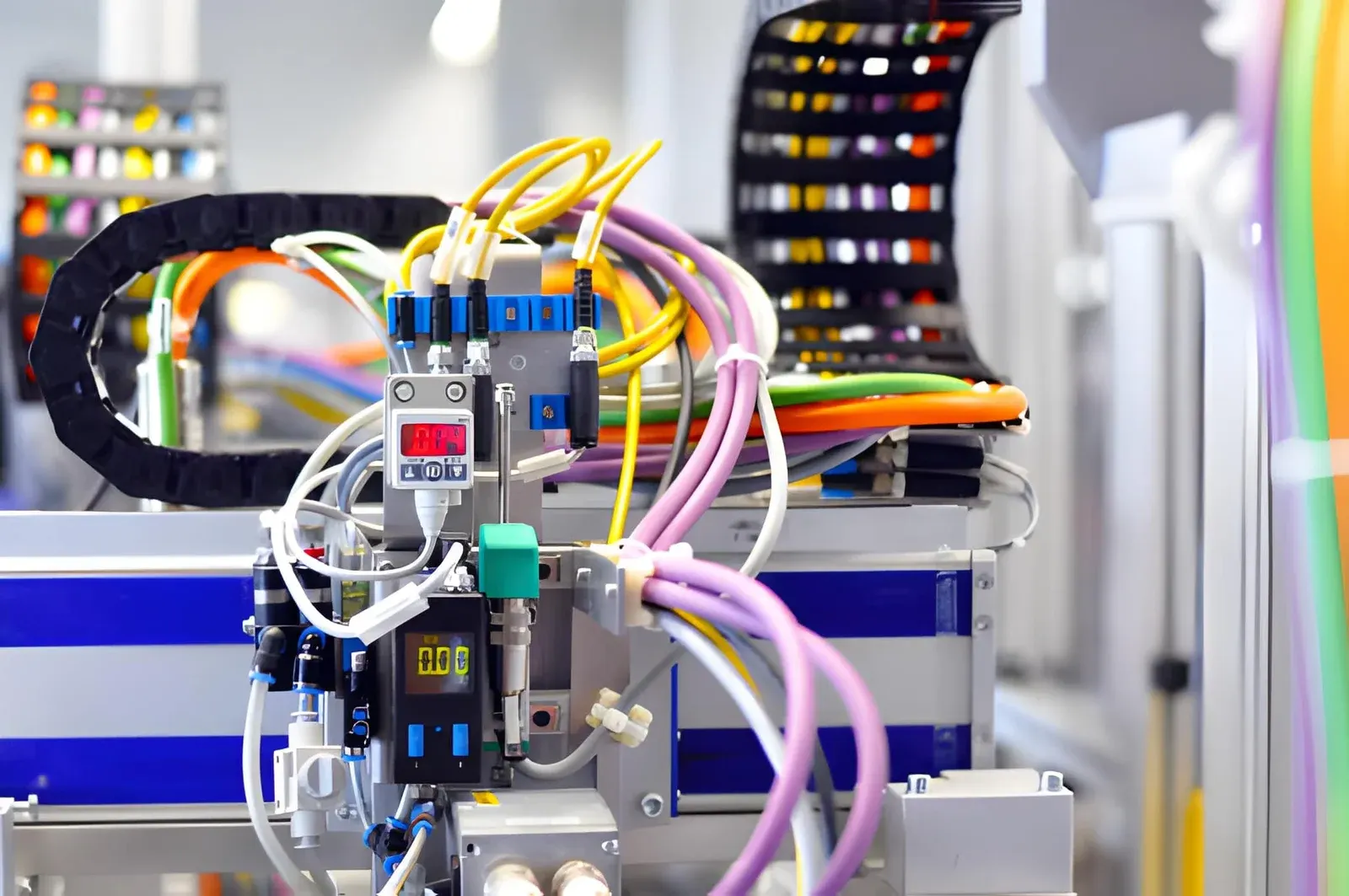
In a machine retrofit, an existing machine gets new drives, controls or sensors. That almost always changes the cable package in the cable carrier as well: servo cables are thicker than the old motor cables, encoder and bus cables are added, and the machine often runs faster. A carrier that ran well for ten years can be too tight, too small in the bend or too slow after the conversion. Check this before the new cables go in, and you avoid cable breaks in the first months after the retrofit.
What changes in the cables during a machine retrofit?
A retrofit rarely concerns the control cabinet alone. What we see most often in conversion projects:
- Servo motors instead of standard motors. The motor cable becomes shielded and usually thicker, and an encoder cable or a hybrid cable is added.
- Extra sensors and cameras. More thin signal and data cables, often with a connector attached.
- A bus system instead of individual wires. Fewer cores, but a cable that is sensitive to interference and needs its own place.
- A faster cycle. New drives reach higher speeds and accelerations than the old ones.
- Extra pneumatics or cooling. An additional hose needs more clearance than a cable.
Each of these changes affects the carrier. The cables must fit, must not bend too sharply and must be able to follow the new movement.
Which five points do you check in the existing cable carrier?
Go through these points with the new cable list in hand, not the old one:
- (01)Inner height: the thickest new cable, multiplied by 1.1, must fit in the inner height. For a hose, use 1.2.
- (02)Inner width: all effective diameters side by side, plus the dividers, must fit in the inner width. Keep the fill level below 85%.
- (03)Bending radius: the radius of the carrier must be at least as large as the minimum bending radius of the thickest or most sensitive cable. In the configurator we use 7.5 times the cable diameter; if the data sheet gives a larger value, that value applies.
- (04)Speed and acceleration: the new values of the drive must stay within the limits of the type, for the arrangement you have.
- (05)Condition of the carrier: links, crossbars, sliding surfaces and guide channel must still be in good order. A worn carrier does not get better from a retrofit.
You can quickly check the first two points with calculate fill level. For the radius, use calculate bending radius. How to build up the layout further is explained in arranging a cable carrier: fill level, additional load and dividers.
Calculate it yourselfCalculate fill levelRequired inner dimensions and fill levelCalculate itWorked example: from motor cable to servo cable
A gantry has a UNIFLEX Advanced UA1455 with 26 mm inner height, 78 mm inner width and a radius of 95 mm. The old package:
| Line | Quantity | Diameter | Effective | Combined width |
|---|---|---|---|---|
| POWER 700 C 4G2,5 | 2 | 11,9 mm | 13,1 mm | 26,2 mm |
| CONTROL 400 7G1 | 3 | 9,4 mm | 10,3 mm | 31,0 mm |
| Hose | 1 | 12,0 mm | 14,4 mm | 14,4 mm |
| Total | 6 | 71.6 mm |
That fits in 78 mm. The radius of 95 mm is larger than 7.5 × 11.9 = 89 mm. Everything is in order.
In the retrofit, servo motors are fitted with a heavier motor cable, plus one encoder cable per axis:
| Line | Quantity | Diameter | Effective | Combined width |
|---|---|---|---|---|
| POWER 700 C 4G4 | 2 | 13,8 mm | 15,2 mm | 30,4 mm |
| DATA 700 TPi C 3x2x0,25 | 2 | 8,6 mm | 9,5 mm | 18,9 mm |
| CONTROL 400 7G1 | 3 | 9,4 mm | 10,3 mm | 31,0 mm |
| Hose | 1 | 12,0 mm | 14,4 mm | 14,4 mm |
| Total | 8 | 94.7 mm |
Now two points fail. The package is 94.7 mm wide and no longer fits in 78 mm. And the thickest cable requires a radius of 7.5 × 13.8 = 103.5 mm, while the carrier has 95 mm. The inner height of 26 mm is still sufficient, because 13.8 × 1.1 = 15.2 mm.
The solution in this case: the same series with 103 mm inner width and a radius of 125 mm. With one 3 mm divider between power and signal, the package is 97.7 mm wide, so it fits. This does affect the installation. The installation height is roughly twice the radius plus the outer height of the link: from 2 × 95 + 36 = 226 mm to 2 × 125 + 36 = 286 mm. So check whether those extra 60 mm of height fit in the machine. The carrier also becomes slightly longer because the bend is larger. Use calculate the length of your cable carrier to work out the new length. The diameters in this example come from our TRAXLINE range.
Can the cable carrier handle the new speed?
This is the point most often forgotten in a retrofit. New servo drives accelerate harder and reach a higher top speed than the old motors. The carrier has to keep up. Each type has its own limit for speed and acceleration, separately for self-supporting and gliding.
A UA1455 may run self-supporting at 10 m/s and 50 m/s². For most gantries that is more than enough. If the machine runs much faster after the conversion, for example with a linear motor, you end up with a series such as the QUANTUM. On a long, gliding travel length the limits are usually lower. How to calculate speed and acceleration from stroke and cycle time is explained in determining cable carrier speed and acceleration.
The cables must also be able to handle the new movement. Choose cables made for movement in a cable carrier, with a class that suits your travel length and number of cycles. With the Cable finder you search for them by type, cores, travel length and cycles.
What do you do with servo and bus cables in the same carrier?
A servo cable on a drive emits interference. Encoder and bus cables are sensitive to it. In a carrier they lie side by side over the full length. So use shielded cables, put power and signal in separate compartments with a divider between them, and connect the shield properly at both ends. What to watch for exactly is explained in shielded cable in the cable carrier.
Plan that layout before installation. Moving a divider afterwards means opening the carrier again and laying in cables again. In ChainLogic you draw the cross-section with all cables and dividers, and see straight away whether the package fits.
Is the old cable carrier itself still good enough?
A retrofit is a good moment to look at the carrier itself as well. New cables in a worn carrier fail sooner than necessary. Look for worn or cracked links, loose crossbars, an upper run that sags further than before and wear marks in the guide channel. With the Carrier check you go through these points in a few minutes and see whether the carrier is in order, needs attention or calls for action.
If the carrier is worn or no longer suits the new package, replacement is usually the best choice. You do not necessarily have to fit the same carrier again. With the Replacement guide you find a type that fits in the same place, and in the Cable carrier configurator you calculate a new carrier for the new cable package. Whether repair still makes sense is explained in repair or replace a cable carrier.
Calculate it yourselfCable carrier configuratorCalculate, select and assemble a cable carrierOpen the cable carrier configuratorWhat do you pass on when you have the cable carrier checked?
With these details we can quickly check a retrofit:
- (01)The type and dimensions of the current carrier: inner height, inner width, radius and length, or a photo of the type plate
- (02)The new cable list with the type or diameter of each cable, and which hoses go along
- (03)The travel length and the arrangement: self-supporting or gliding, horizontal or vertical
- (04)The new speed and acceleration, or the stroke and the cycle time
- (05)The space in the machine: how much installation height and width is available
Wisman Techniek checks the new package free of charge and advises on width, radius and layout. If you wish, we supply the carrier complete with cables, assembled in our workshop in Ruurlo.

Frequently asked questions
Do I always need a new cable carrier for a machine retrofit?
No. If the new cables fit the inner dimensions, the radius is large enough and the carrier stays within its speed limits, the existing carrier can stay. Do check that it is not worn. If one of the points fails, a different width or radius in the same series is often enough.
Why is a servo cable thicker than a standard motor cable?
A servo cable is shielded and often has a larger conductor cross-section or extra cores for the brake or signal. In the worked example, the motor cable goes from 11.9 to 13.8 mm. That seems little, but the radius and the required width grow with it.
Can I fit a wider cable carrier in the same place?
Often yes, if there is space next to the carrier and in the guide channel. A different radius also changes the installation height: roughly twice the radius plus the outer height of the link. Measure that space before you order.
Can I leave the old cables in place and just add new cables?
Only if the carrier has room for it and the old cables are still in good condition. Keep the fill level below 85% and give each cable 10% clearance on its diameter. An overfilled carrier is one of the most common causes of cable breaks after a conversion.
Does Wisman Techniek check my retrofit?
Yes, free of charge. Send the details of the current carrier and the new cable list, and we check inner dimensions, radius, speed and layout and advise on what is needed.
Calculate it yourself
Which cable carrier fits your machine?
Enter two dimensions. The configurator opens with these values and shows the matching series right away. We check your result free of charge.
Not sure? Leave it blank and fill it in in the configurator.
Next step
Calculate it yourself or browse the range. We check your result free of charge.
Series on this topic
Question about this topic?
Ask Bas directly
Cable Carriers Specialist at Wisman Techniek