

Short answer
A side-mounted cable carrier is turned 90 degrees and rolls on its side, next to the machine instead of above it. You choose it when the installation height is too small for a normal horizontal arrangement. It works with almost all types, but self-supporting lengths are limited. With a longer travel length the cable carrier lies in a channel or duct, gliding on its side or on gliding discs, and you keep the cables apart with fixed separators or a hole strip.
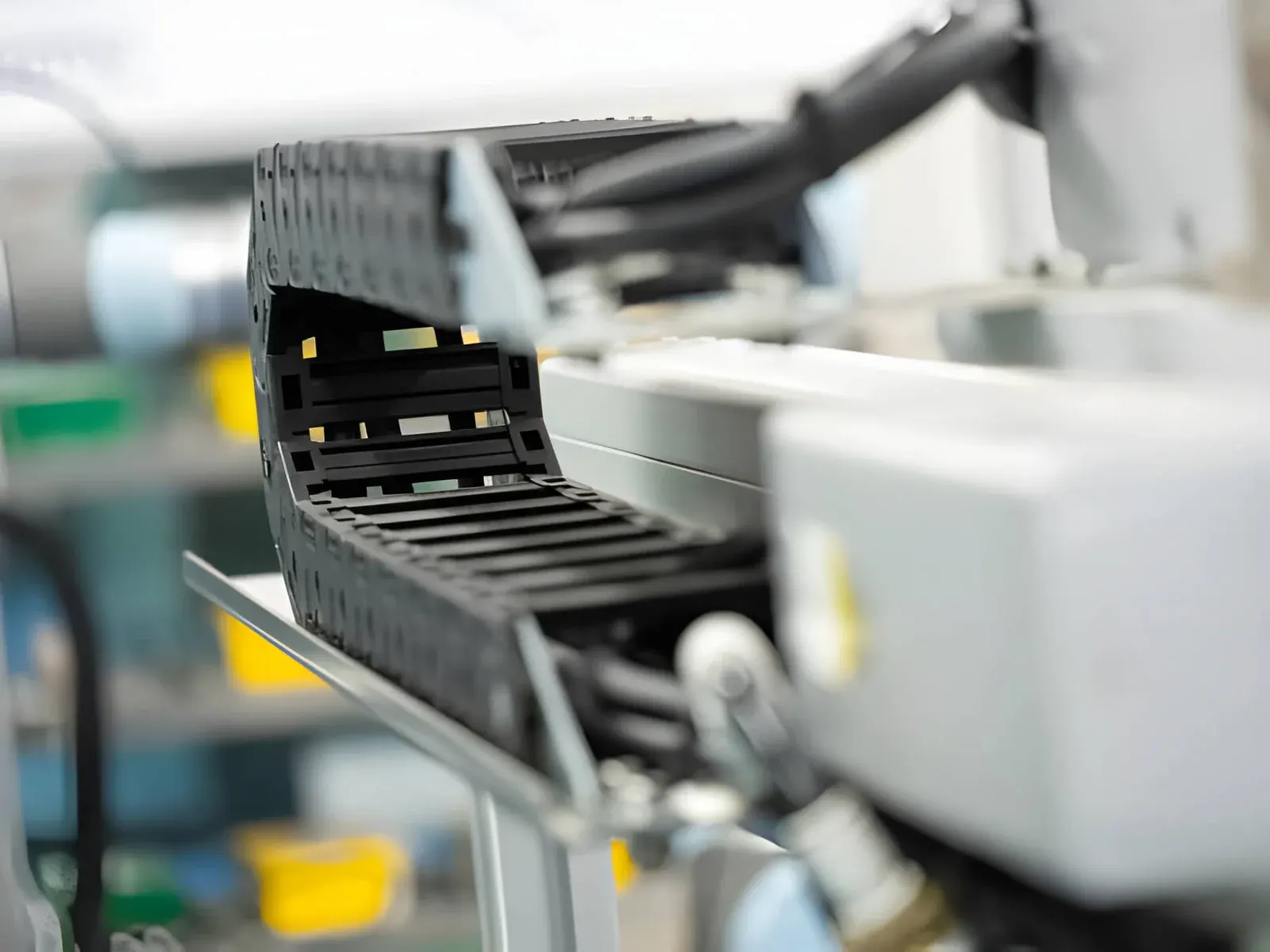
Mounting a cable carrier on its side means turning it 90 degrees, so that it lies on its side and the bend sits next to the moving part instead of above it. You do this when there is too little space above or below the axis for a normal horizontal arrangement. According to the Tsubaki Kabelschlepp catalogue, this works with almost all types. The arrangement does need more attention: it can only be self-supporting over a short length, the cable carrier must glide on something designed for it, and the cables need fixed separation. In this article you read when side-mounting is a good choice and what to look out for.
What is a side-mounted cable carrier?
In a normal horizontal cable carrier, the lower run lies on the machine or in a channel, and the upper run rolls up and back via a bend. The height you need is then roughly twice the bending radius plus the outer height of the cable carrier.
With a side-mounted cable carrier you tilt that whole picture a quarter turn. The side of the links faces down, the bend runs horizontally and both runs of the cable carrier lie next to each other. As a result, height and width swap places:
- Installation height: the outer width of the cable carrier, i.e. the inner width plus the side walls.
- Installation width: roughly twice the bending radius plus the outer height.
Side-mounted is not the same as vertical. In a vertical arrangement the machine moves up and down. You can read more about that in vertical cable carrier: hanging or standing.
When do you choose a side-mounted arrangement?
The main reason is space. A side-mounted cable carrier is low, but needs more space next to the axis. That often suits:
- machines with a low overall height, where a frame, cover or moving part sits above the axis;
- axes that run along a wall or the side of a frame;
- long travel lengths on or next to a floor, where you want the cable carrier to disappear into a duct.
A calculation example with a UNIFLEX Advanced UA1455. With a bending radius of 95 mm, the catalogue gives a horizontal installation height of 226 mm. If you take an inner width of 58 mm, the outer width is 58 + 16 = 74 mm. Mounted on its side, you therefore need about 74 mm of height instead of 226 mm. The width next to the axis does become about 226 mm, plus the channel or duct.
If you have no space next to the axis but do have space above it, the normal horizontal arrangement remains the simplest choice.
Calculate it yourselfCable carrier configuratorCalculate, select and assemble a cable carrierOpen the cable carrier configuratorWhich cable carriers can be mounted on their side?
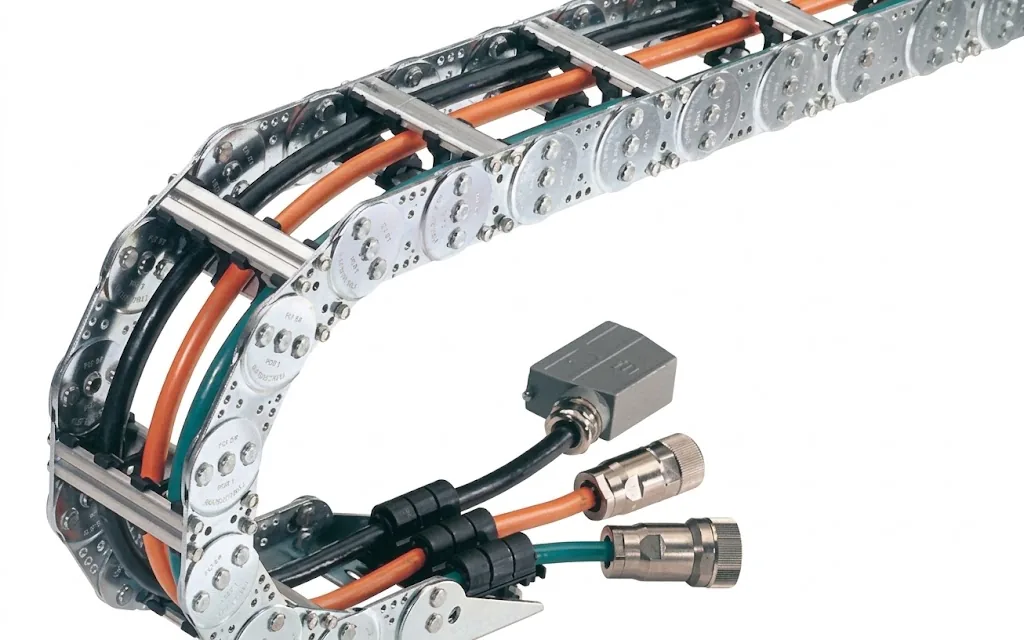
The catalogue states for each series whether side-mounting is possible. Most plastic and steel series can do it. A few exceptions from our range:
| Series | Side-mounting possible? | Remark |
|---|---|---|
| MONO, QuickTrax, UNIFLEX Advanced | Ja | Including the smaller sizes |
| K series (K0650, K0900) | Ja | Gliding discs on the side reduce friction and wear |
| M series | Partly | Not for the MC0950 RV, MC1250 RV and MC1300 RMF |
| QUANTUM, XL, TKA, MT | Ja | |
| S/SX (steel) | Ja | Depending on the application, extra gliding elements or rollers |
| EasyTrax | No | |
| TKR | No |
Unsure about a specific type? Check the series page or let us look into it. A type that may not be mounted on its side can tilt or overload its links. You only notice that once the cable carrier is already wearing.
Can a side-mounted cable carrier be self-supporting?
Only to a limited extent. In a normal arrangement the cable carrier supports itself over part of the travel length because the links are stiff in that direction. On its side, that stiffness does not work in the same way. How far a side-mounted cable carrier may be self-supporting depends on:
- the additional load, i.e. the weight of the cables and hoses per metre;
- the bending radius;
- how the cable carrier is connected at the fixed point and the driver;
- the travel length;
- the width of the cable carrier.
If the additional load or the free length is too large, support the cable carrier on one side or over its full length. For the usual trade-off between self-supporting and gliding, read self-supporting or gliding.
Side-mounting with a long travel length: what do you need?
With a long travel length, a side-mounted cable carrier always lies in a guide channel or duct, and you mount it without pretension. Plastic cable carriers can reach well over 100 m of travel length this way.
The cable carrier then glides on its outer side over the bottom of the channel, or on gliding discs that you clip onto the side. The K series has gliding discs made for this. On steel cable carriers such as the S/SX, gliding or guide elements are fitted to the side band, so that no steel rubs against steel. You can read more about the different types in gliding shoes for a cable carrier.
The channel itself must also suit side-mounting. The Easy Guide System (TKEG), for example, has a side-mounted version with a cover. Which channel goes with which cable carrier is explained in guide channel for a cable carrier.
How do you lay out the cables in a side-mounted cable carrier?
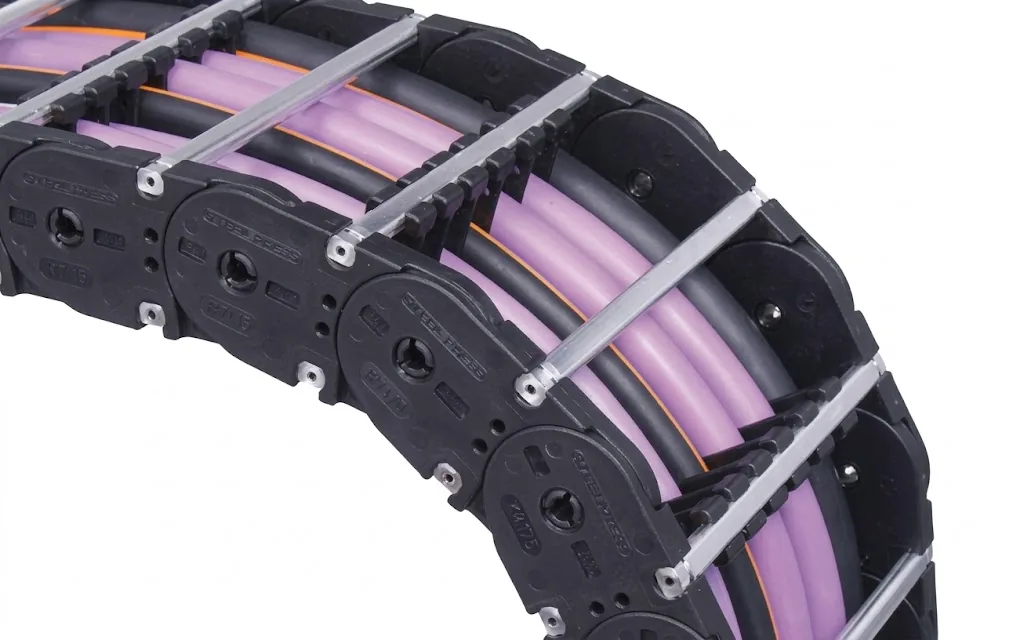
This is the point that goes wrong most often. In a normal cable carrier the cables lie next to each other on the bottom of the links. If the cable carrier lies on its side, all cables drop to the lower side wall. Without separation they end up on top of each other, rub against each other and twist slightly with every movement.
The catalogue recommends guiding the cables separately with fixed separators or a hole strip. A hole strip is technically the best solution: each cable gets its own hole and stays in place, however the cable carrier moves.
Also keep to the usual rules:
- (01)Enough free space around each cable, and a fill level below 85%.
- (02)Heavy cables and hoses evenly distributed, so the cable carrier does not pull askew.
- (03)Good strain relief at the fixed point and the driver.
With ChainLogic you lay out the cross-section of the cable carrier and see right away whether everything fits. How fill level and dividers work is explained in cable carrier layout.
What do you look out for during installation?
You install a side-mounted cable carrier in broadly the same way as a normal one. A few points weigh more heavily:
- Fixed point and driver in line. Also in the horizontal plane. A driver that sits slightly too high or too low makes the cable carrier rub on one side of its links.
- No pretension. Mount the cable carrier tension-free in the channel or duct.
- Keep the channel free of dirt. A side-mounted cable carrier glides over a larger surface. Chips or dirt in the channel cause more wear on the side.
- Determine the length correctly. You calculate the cable carrier length the same way as for a horizontal cable carrier, with calculate the length of your cable carrier.
A full step-by-step plan is in mounting a cable carrier. If you would rather hand over the installation, Wisman also does it on site.
What do you include in a request?
With this information we can assess a side-mounted arrangement properly straight away:
- (01)The travel length and whether the fixed point is in the middle or at the end
- (02)The space you have in height and width next to the axis
- (03)The cables and hoses, with diameter and weight if you have them
- (04)Speed and acceleration of the movement
- (05)The environment: clean, dirty, chips or outdoors
In the Cable carrier configurator you choose 'Side-mounted' as the installation direction. Wisman then checks the choice free of charge. You can also request a quote for a cable carrier directly.
Frequently asked questions
Is a side-mounted cable carrier the same as a vertical one?
No. With a side-mounted cable carrier the machine moves horizontally and the cable carrier lies on its side. With a vertical cable carrier the machine moves up and down and the cable carrier hangs or stands. Both arrangements have their own rules.
How much installation height do you save with a side-mounted cable carrier?
The height becomes the outer width of the cable carrier instead of twice the bending radius plus the outer height. For a UA1455 with 58 mm inner width and 95 mm radius, that is about 74 mm instead of 226 mm. The space next to the axis does get larger.
Do I always need a channel when side-mounting?
With a short travel length and a light additional load, the cable carrier can sometimes be partly self-supporting or glide on a flat support. With a long travel length it always lies in a guide channel or duct.
Why are separators so important when side-mounting?
Because the cables drop to the lower side wall. Without separators they lie on top of each other and rub with every movement. Fixed separators or a hole strip keep each cable in its own place.
Can I install an existing horizontal cable carrier on its side?
Only if the type may be side-mounted and the free length, additional load and channel suit it. Send us the type and the new situation and we will check it.
Next step
Calculate it yourself or browse the range. We check your result free of charge.
Series on this topic
Question about this topic?
Ask Bas directly
Cable Carriers Specialist at Wisman Techniek